

What you can do with Salesflare on GeoMaps
- Plot every Salesflare record at its address
- Filter the map by any field and group by status
- Build optimized routes to your accounts
- Share live, interactive maps with your team
Connect Salesflare
Link Salesflare to Zapier with your existing account.
Send records to GeoMaps
Add the GeoMaps action and push Salesflare records into a data source.
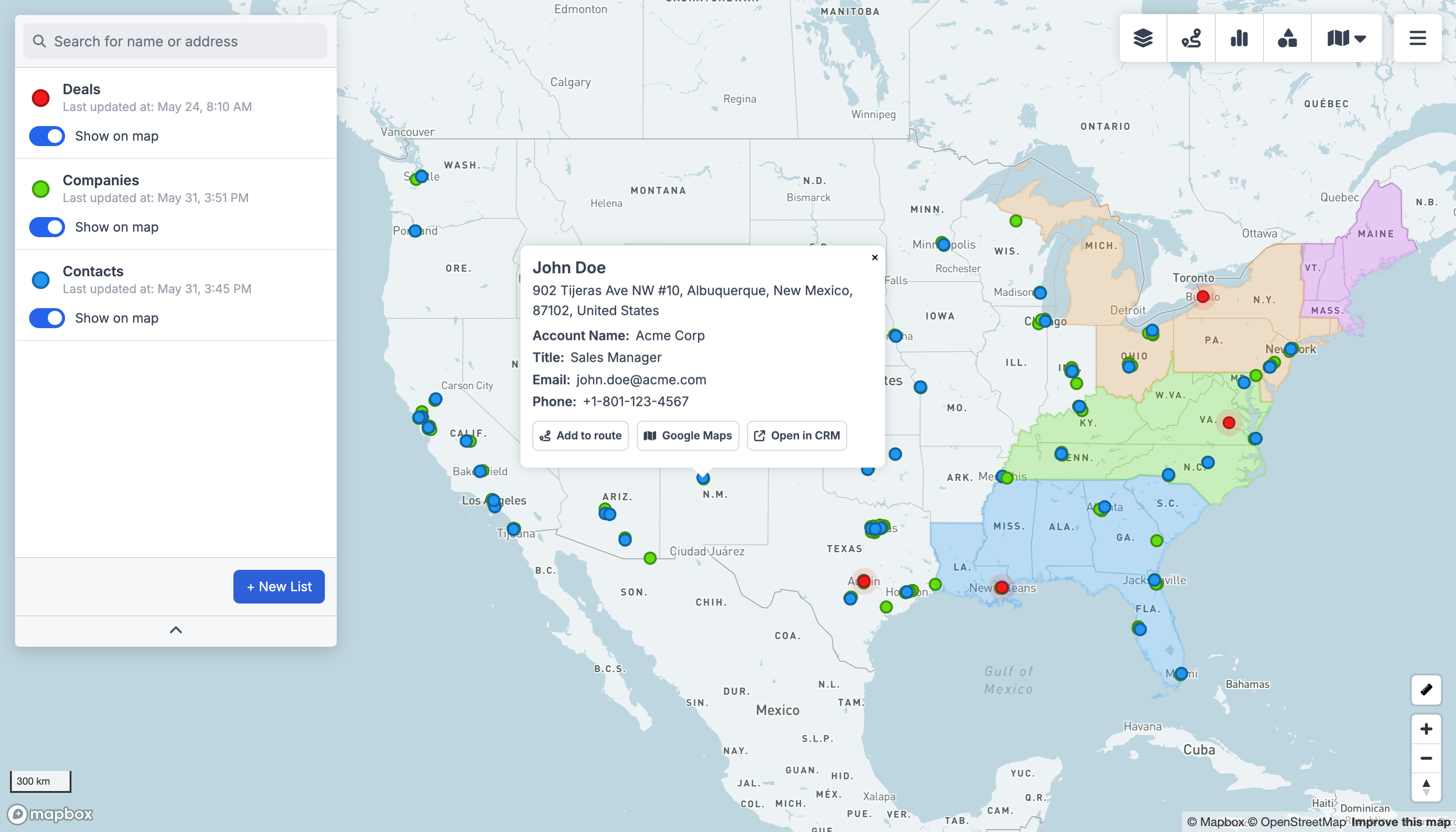
See them on the map
GeoMaps geocodes each record and plots it — filter, route and share.
Put your Salesflare data on the map
Salesflare holds the addresses your team works every day — CRM records like customers, contacts and locations. GeoMaps turns them into an interactive map you can filter, build routes from, and share.
There's no native Salesflare connector yet, but you can wire it up in minutes through Zapier: enable the GeoMaps API on a CSV/Excel data source, then point a Zapier action at it to push Salesflare records straight onto the map. See the REST API or connect via Zapier, Make or n8n.