
Every grower and territory
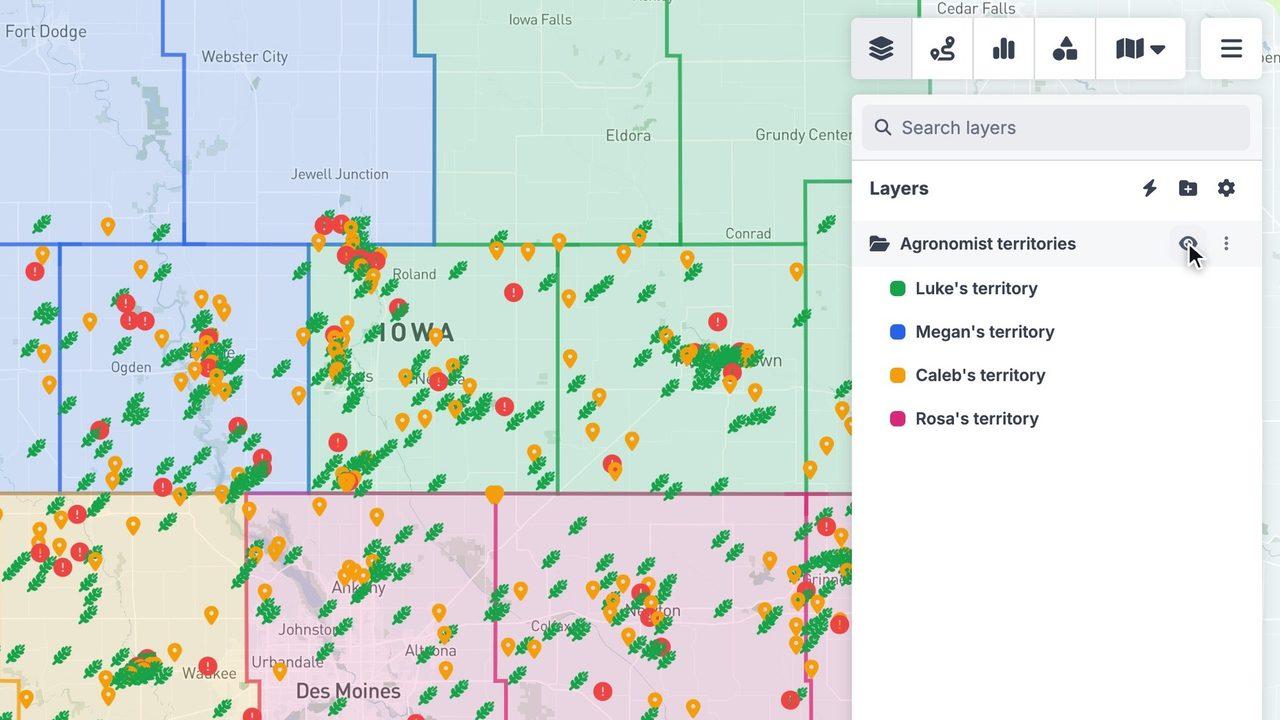
Show customers, prospects and lapsed growers together, each agronomist's territory built from counties, and click any farm for its crop, acres, last visit and seed order.
Coverage county by county
Shade counties by how many growers you serve to see where you're strong and where there's room to grow.
A day of farm visits
Pick the growers to see, optimise the stop order on real rural roads and send the route to your phone.
Growers across the territory
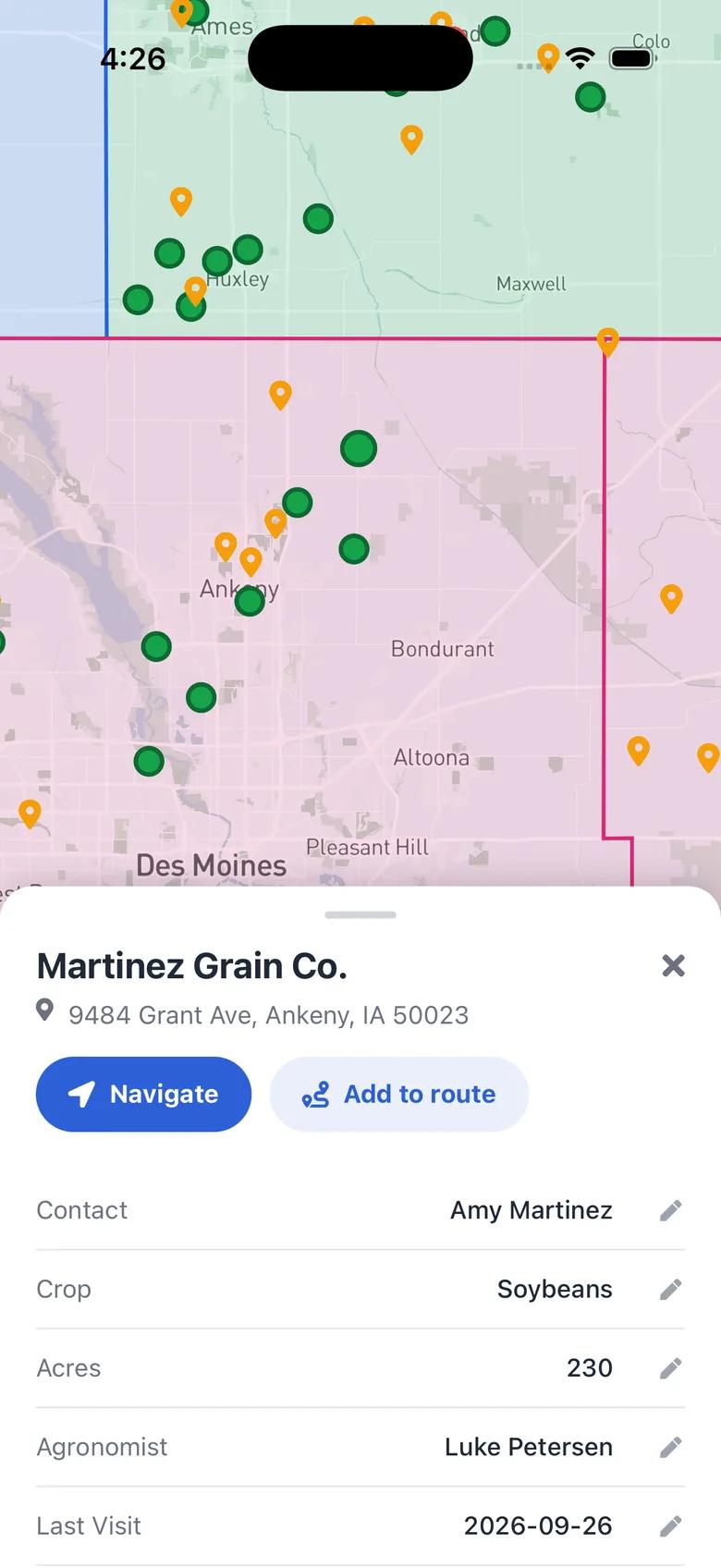
Agronomists see customers, prospects and lapsed growers across their territory and open each farm's contact, crop, acres and last visit before pulling into the yard.
More ways agriculture & food producers teams use GeoMaps
Plan the selling season
Filter growers by crop, acres, status or last visit to decide who to see before orders are placed.
Cover every county
Build agronomist or rep territories from counties and see coverage gaps at a glance.
Find buyers and outlets
Food producers can search for grocery stores, restaurants or distributors near existing customers and save them as leads.
Features you'll use
Connect the data you already have
See all integrations


FAQ
- Can I map farms that don't have a street address?
- Yes. If your spreadsheet has latitude and longitude columns, GeoMaps places each farm by its coordinates instead of an address.
- Can I color growers by crop?
- Yes. Make a list per crop or status with its own color and icon, and switch lists on and off to compare them.
- Can we see field and property boundaries?
- In covered US states, switch on Parcels to see property lines and click a parcel for its details. You can also import your own field boundaries from KML, GeoJSON or a Shapefile.
- Can reps use it on the farm?
- Yes. The GeoMaps app for iPhone and Android shows the same growers and routes, and reps can update records after each visit.