

What you can do with CSV on GeoMaps
- Plot every record on an interactive map — geocoded automatically.
- Filter by any field and save the views you come back to.
- Layer on routes, heatmaps, territories and demographic data.
- Re-upload any time to refresh the map with your latest data.
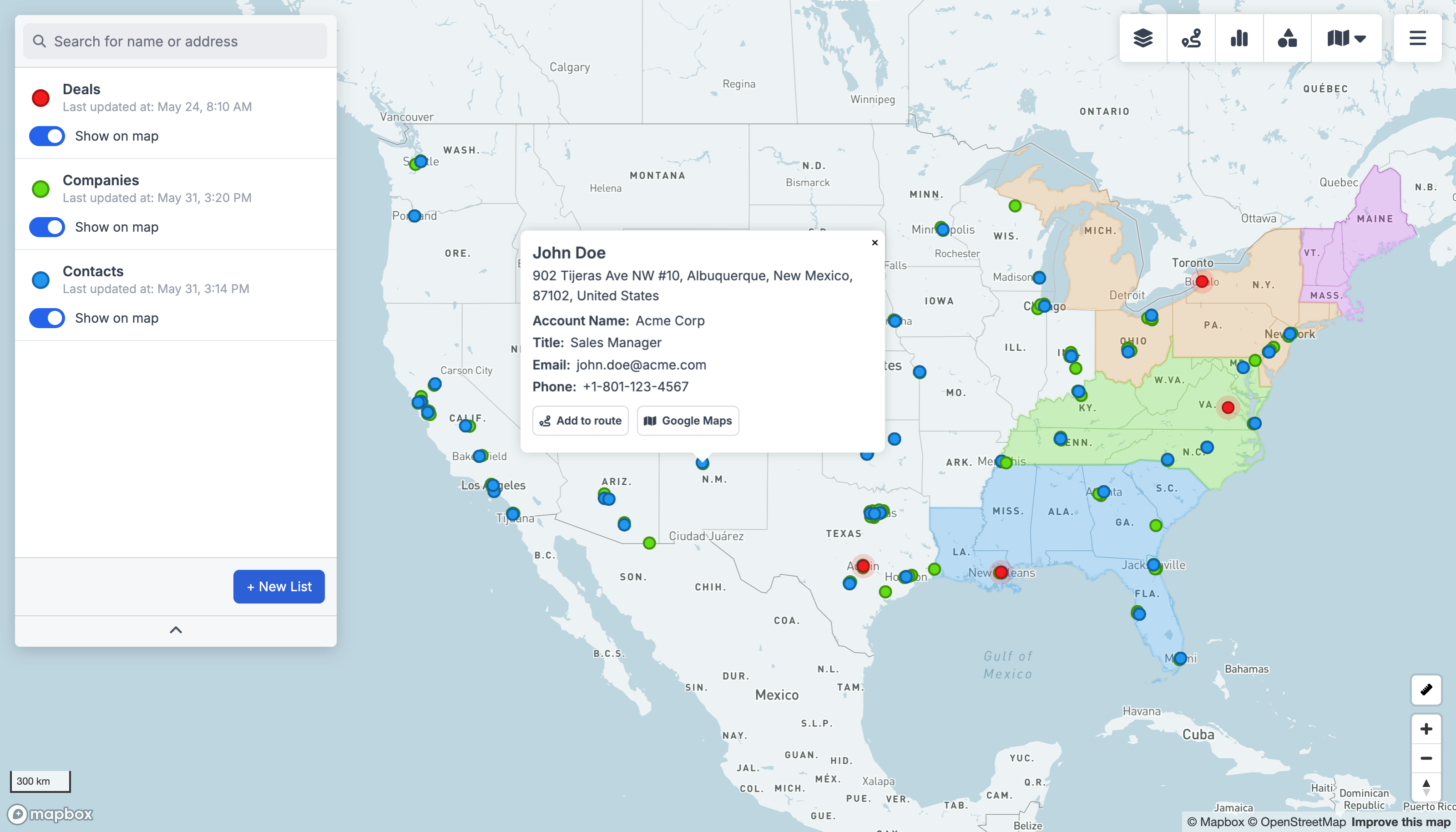
Why map your CSV data
CSV keeps your rows from any export in order, but a list of addresses never shows you where your business actually is. Upload your CSV file and every row is geocoded and placed on an interactive map automatically — ready to filter, route, theme and share, with no spreadsheets of latitude and longitude and no GIS expertise required.
Export a CSV from almost any tool — your CRM, billing system or a partner's list — and GeoMaps auto-detects the address columns and maps it in seconds.
Once your CSV data is on the map you can plan optimized routes, build heatmaps, territories and drive-time areas, and explore real examples in the sales mapping gallery.
How to connect CSV
Create a free account
Sign up for GeoMaps — no credit card required.
Upload your CSV file
Drag in your CSV export and GeoMaps reads the rows automatically.
Confirm the address columns
Pick the columns that hold the location and we geocode and map every row.
CSV mapping FAQ
- How do I put CSV rows from any export on a map?
- Upload your CSV export to GeoMaps, pick the rows you want, and GeoMaps geocodes every address and plots it on an interactive map — you don't need a column of coordinates or any mapping software.
- Does GeoMaps keep my CSV map up to date?
- Re-upload your CSV file any time and GeoMaps rebuilds the map from your latest data in seconds.
- Can I filter and segment the CSV map?
- Yes. Filter by any field from CSV, save the views you use most, and layer on routes, drive-time areas, heatmaps and territories so the map becomes something your team can act on — not just look at.
- Is there a free way to map CSV data?
- Yes. GeoMaps is free for up to 1,000 locations with no credit card, so you can map and share your CSV data before deciding whether to upgrade.


