
Best CRM Mapping Software for Sales Teams (2026)
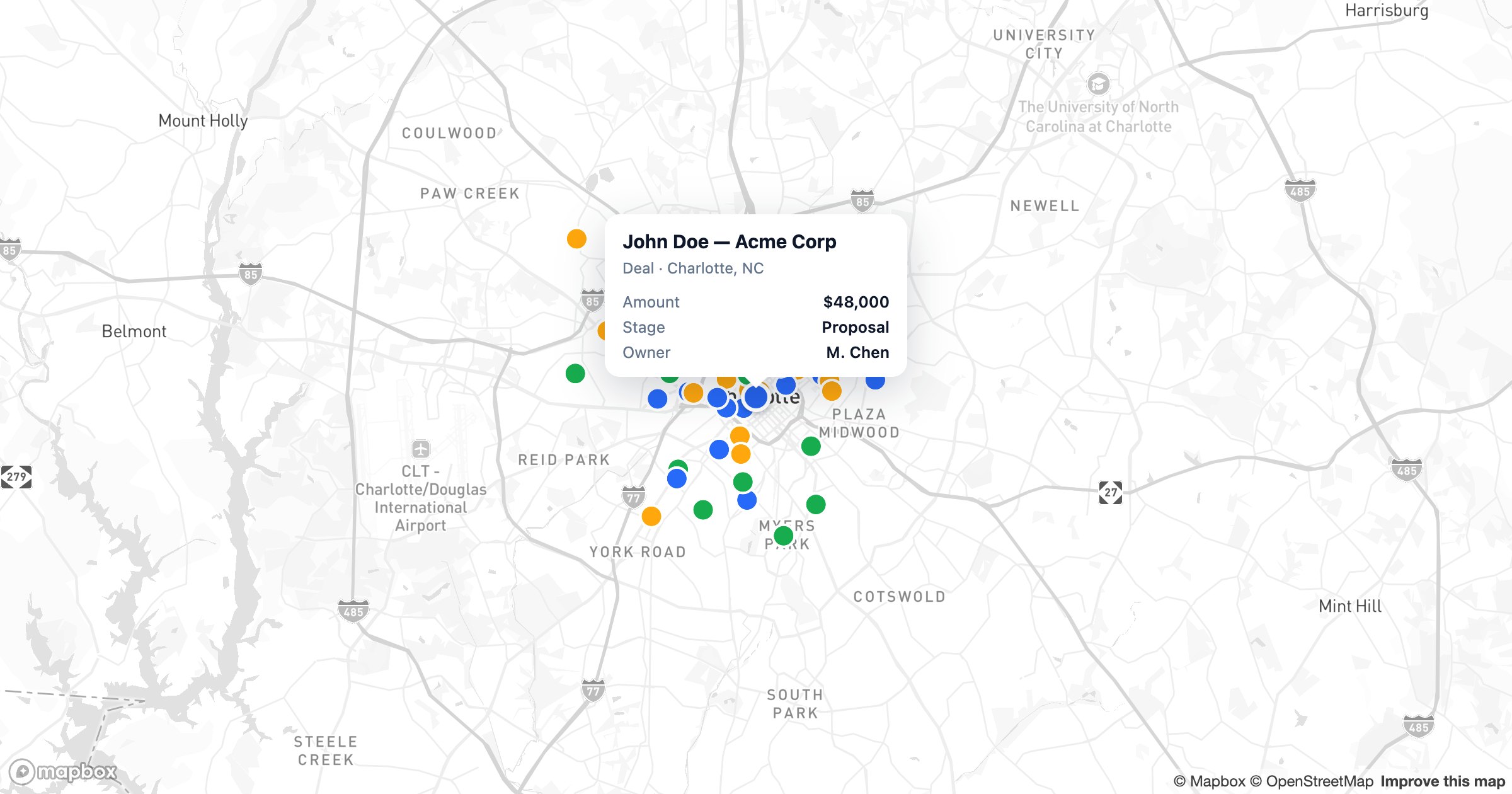
A CRM is a list; a territory is a place. CRM mapping software bridges the two — plotting your accounts, deals and contacts on a map so reps can see who's nearby, plan efficient visits, and balance coverage across a region. Here are the best CRM mapping tools of 2026, ranked for sales teams.
What makes good CRM mapping software
- A native, two-way connection to your CRM — not a manual export
- Live sync, so the map reflects today's pipeline
- Territory design and assignment by region, ZIP or drawn area
- Route planning for multi-stop field days
- Filters by owner, stage, value or any field
- Maps reps can actually open on the road
1. GeoMaps — best overall CRM mapping
GeoMaps connects directly to the CRMs sales teams actually use and keeps the map in sync, so your pipeline on the map is your pipeline in the CRM.
- Native connectors for HubSpot, Pipedrive, Zoho, Copper, Keap, Close and more, plus Salesforce and spreadsheets
- Live sync — new and updated records flow onto the map automatically
- Build territories, size bubbles by deal value, color by stage, add KPI tiles
- Plan and optimize multi-stop routes from mapped accounts
- Describe the map in plain English and let AI assemble it
- Free plan up to 1,000 locations
Best for sales, RevOps and field teams who want their live CRM on a shareable map without manual exports.
2. Badger Maps — field-sales routing
Badger Maps is built for reps in the field: it connects to select CRMs, plans daily routes and logs check-ins from a strong mobile app. It's routing-first, with lighter analytics and per-seat pricing. See GeoMaps vs Badger Maps.
3. Salesforce Maps — for Salesforce-centric orgs
If your company lives in Salesforce, Salesforce Maps adds territory and routing inside the platform. It's powerful but tied to Salesforce, with enterprise licensing and setup to match. See GeoMaps vs Salesforce Maps.
4. Maptive — territories and routes from spreadsheets
Maptive does territory and route mapping well, but CRM data usually arrives via import rather than a live connection — fine for periodic planning, less so for an always-current view. See GeoMaps vs Maptive.
5. eSpatial — enterprise territory management
eSpatial offers mature, enterprise-grade territory and routing tools with onboarding-led setup and quote-based pricing — a fit for large, structured sales orgs. See GeoMaps vs eSpatial.
6. Mapline — operations-leaning sales mapping
Mapline maps accounts, builds territories and plans routes with an operations bent. Capable, with a more dated interface and trial-based access. See GeoMaps vs Mapline.
7. Maptitude — desktop territory analysis
Maptitude is a desktop GIS strong on demographics and territory analysis. It's analyst-oriented and desktop-bound, so sharing live maps with reps is harder. See GeoMaps vs Maptitude.
How to choose
- Want your live CRM on a shareable map, fast → GeoMaps
- Reps who mostly need daily driving routes and check-ins → Badger Maps
- All-in on Salesforce with enterprise budget → Salesforce Maps
- Heavy, structured enterprise territory ops → eSpatial
The deciding question is usually sync. A one-time import is fine for an annual territory review, but if reps rely on the map week to week, a native, live CRM connection saves hours and keeps everyone working from the same picture. That's where GeoMaps leads.