
GeoMaps vs Salesforce Maps
Salesforce Maps (formerly MapAnything) is Salesforce's native mapping and field-sales product. For teams that run everything inside Salesforce, it offers mature territory alignment, route optimization and a polished field-rep mobile app, all driven by live Salesforce data.
GeoMaps does the same core job — turning your data into actionable maps — without requiring Salesforce. It connects natively to 15 CRMs plus spreadsheets and databases, generates maps with AI, publishes customer-facing maps, and starts free. This is an objective look at when each one fits.
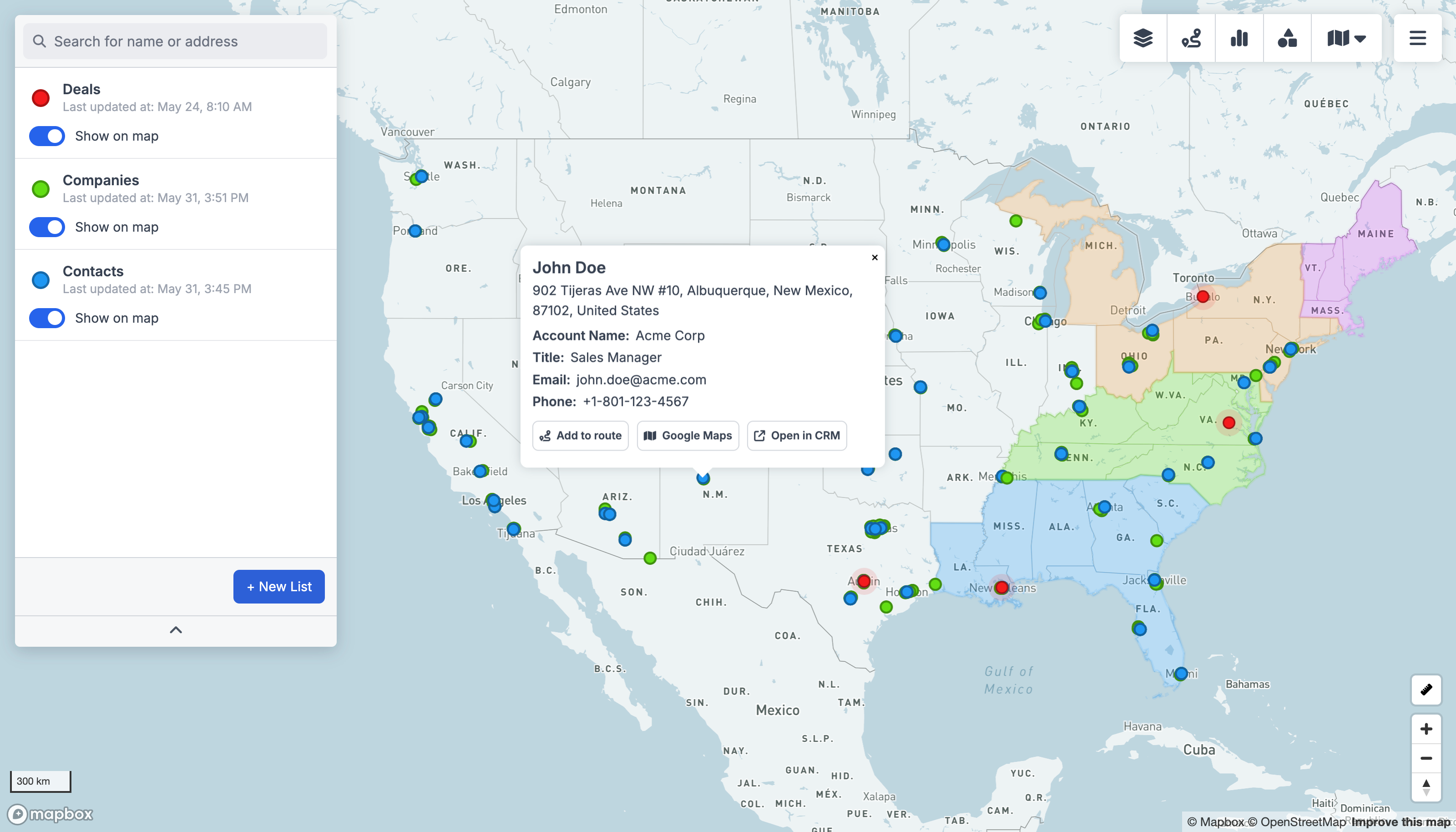
GeoMaps vs Salesforce Maps, feature by feature
| Feature | GeoMaps | Salesforce Maps |
|---|---|---|
| Works without Salesforce | requires Salesforce | |
| AI map generation | ||
| Native CRM integrations | 15 CRMs | Salesforce only |
| Live data sync | Salesforce | |
| Public / embeddable maps | ||
| Route planning & optimization | mature | |
| Territory management | enterprise-grade | |
| Field-sales mobile app | on roadmap | |
| Free plan | 1,000 locations | paid add-on |
built-in · partial / on roadmap · not available. Competitor details are our objective read and can change — check their site for the latest.
Connect the tools you already use
GeoMaps syncs live from your CRM, spreadsheet or database — no manual re-imports. A few of the 20+ native connectors:
See all integrations Attio
Attio LeadConnector
 Close
Close Copper
 Salesmate
 Google Sheets
 Excel
Excel Less Annoying CRM
Choose Salesforce Maps if…
your team runs entirely on Salesforce, needs deep in-Salesforce territory alignment and a mature field-sales mobile app, and has enterprise budget.
- Lives natively inside Salesforce, with deep access to your Salesforce objects and permissions.
- Mature, enterprise-grade territory planning, alignment and field-sales workflows.
- Polished field-rep mobile app with check-ins and live routing.
Choose GeoMaps if…
you don't run on Salesforce (or want to map other sources too), want AI map generation, customer-facing maps, fast setup or a free plan.
- Works without Salesforce — and connects 15 other CRMs (Attio, Close, Copper and more), spreadsheets and databases.
- Generate a finished map with AI instead of configuring territories by hand.
- Publish polished, customer-facing and embeddable maps (locators, coverage maps).
- Start free for 1,000 locations, with simple pricing instead of an enterprise per-seat add-on.
GeoMaps vs Salesforce Maps FAQ
- Is GeoMaps a good Salesforce Maps alternative?
- Yes — especially if you don't want to be locked to Salesforce, want to map other CRMs/spreadsheets/databases too, need AI-generated or customer-facing maps, or want to start free. GeoMaps covers the core mapping, routing and territory job with a simpler, more open approach.
- What does Salesforce Maps do better than GeoMaps?
- If your whole team lives in Salesforce, Salesforce Maps offers deeper in-Salesforce territory alignment and a more mature field-sales mobile app with check-ins, built and supported as a native Salesforce product.
- Do I need Salesforce to use GeoMaps?
- No. GeoMaps is standalone — connect a spreadsheet, database or any of 15 CRMs (or upload a file). Salesforce Maps requires a Salesforce subscription.
- Is GeoMaps cheaper than Salesforce Maps?
- Generally, yes. Salesforce Maps is an enterprise per-user add-on to Salesforce. GeoMaps is free for up to 1,000 locations with straightforward paid plans above that.