
GeoMaps is built for the maps you keep. It connects live to spreadsheets, CRMs and databases, generates maps with AI, adds routing and rich filtering, and stays in sync as your data changes — so it suits ongoing, business-critical maps rather than one-time snapshots. Here's an honest side-by-side.
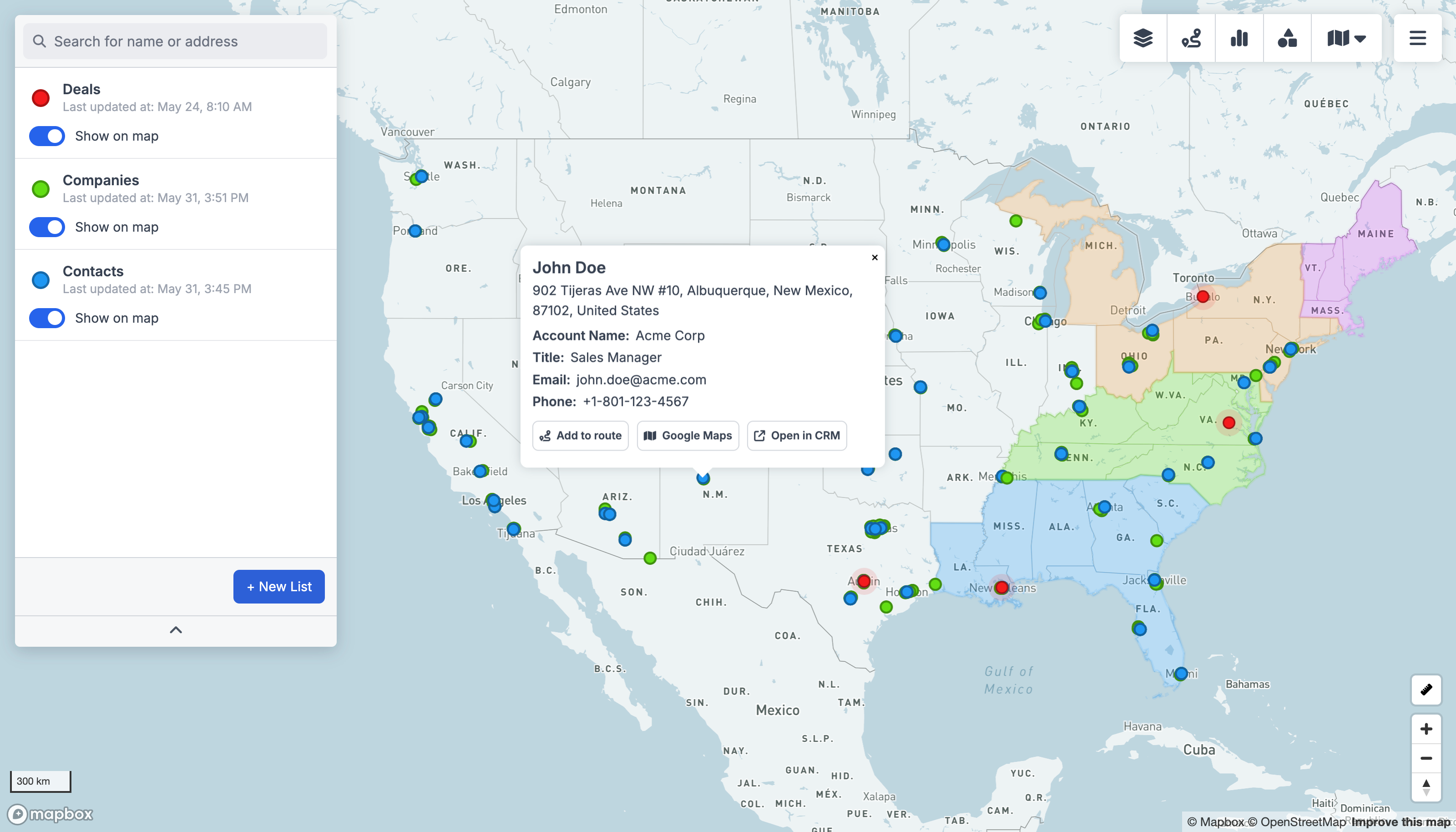
GeoMaps vs BatchGeo, feature by feature
| Feature | GeoMaps | BatchGeo |
|---|---|---|
| AI map generation | ||
| Native CRM integrations | 15 CRMs | paste spreadsheet |
| Live data sync | re-paste to update | |
| Public / embeddable maps | ||
| Route planning & optimization | ||
| Territory management | ||
| Saved filters & views | ||
| Free plan | 1,000 locations | basic public maps |
built-in · partial / on roadmap · not available. Competitor details are our objective read and can change — check their site for the latest.
Connect the tools you already use
GeoMaps syncs live from your CRM, spreadsheet or database — no manual re-imports. A few of the 20+ native connectors:
See all integrations Attio
Attio LeadConnector
 Close
Close Copper
 Salesmate
 Google Sheets
 Excel
Excel Less Annoying CRM
Choose BatchGeo if…
you need a quick, disposable map from a spreadsheet and nothing more — no sync, routing or CRM connection.
- Unbeatably simple for a quick, one-off map — paste and go, no account setup needed.
- Long track record and brand recognition for fast spreadsheet maps.
- Free option for basic public maps.
Choose GeoMaps if…
you want a living map: connected to your CRM or database, kept in sync, with routing, AI and customer-facing publishing.
- Connect a CRM or database directly instead of pasting — and keep the map in sync.
- Generate maps with AI and add routing, territories and saved filtered views.
- Build ongoing customer-facing locators you update by editing the source data.
- Scale and segment large datasets with clustering and field-based filters.
GeoMaps vs BatchGeo FAQ
- Is GeoMaps a good BatchGeo alternative?
- Yes — especially if you've outgrown one-off paste-and-map workflows and want live CRM/spreadsheet sync, routing, AI map generation and customer-facing maps that update automatically.
- What does BatchGeo do better?
- For a single, quick map from a spreadsheet you can paste in, BatchGeo is about as simple as it gets — no connection setup or account required.
- Can GeoMaps keep my map updated automatically?
- Yes. Connect your source once and GeoMaps refreshes the map as the data changes — no re-pasting. With BatchGeo you typically re-paste your spreadsheet to update.