
GeoMaps vs Scribble Maps
Scribble Maps is a popular web tool for drawing on and annotating maps — sketch polygons, circles, lines and labels, run buffer and drive-time analysis, import and export a wide range of GIS formats (Shapefile, KML, DXF, GPX, GeoJSON), collaborate in real time and embed the result. It's flexible and well-loved for hands-on map drawing.
GeoMaps shares the browser-based, shareable-maps approach but is built around business data: native connections to 15 CRMs, spreadsheets and databases with live sync, AI map generation, route optimization and territory management. Here's an honest comparison of the two.
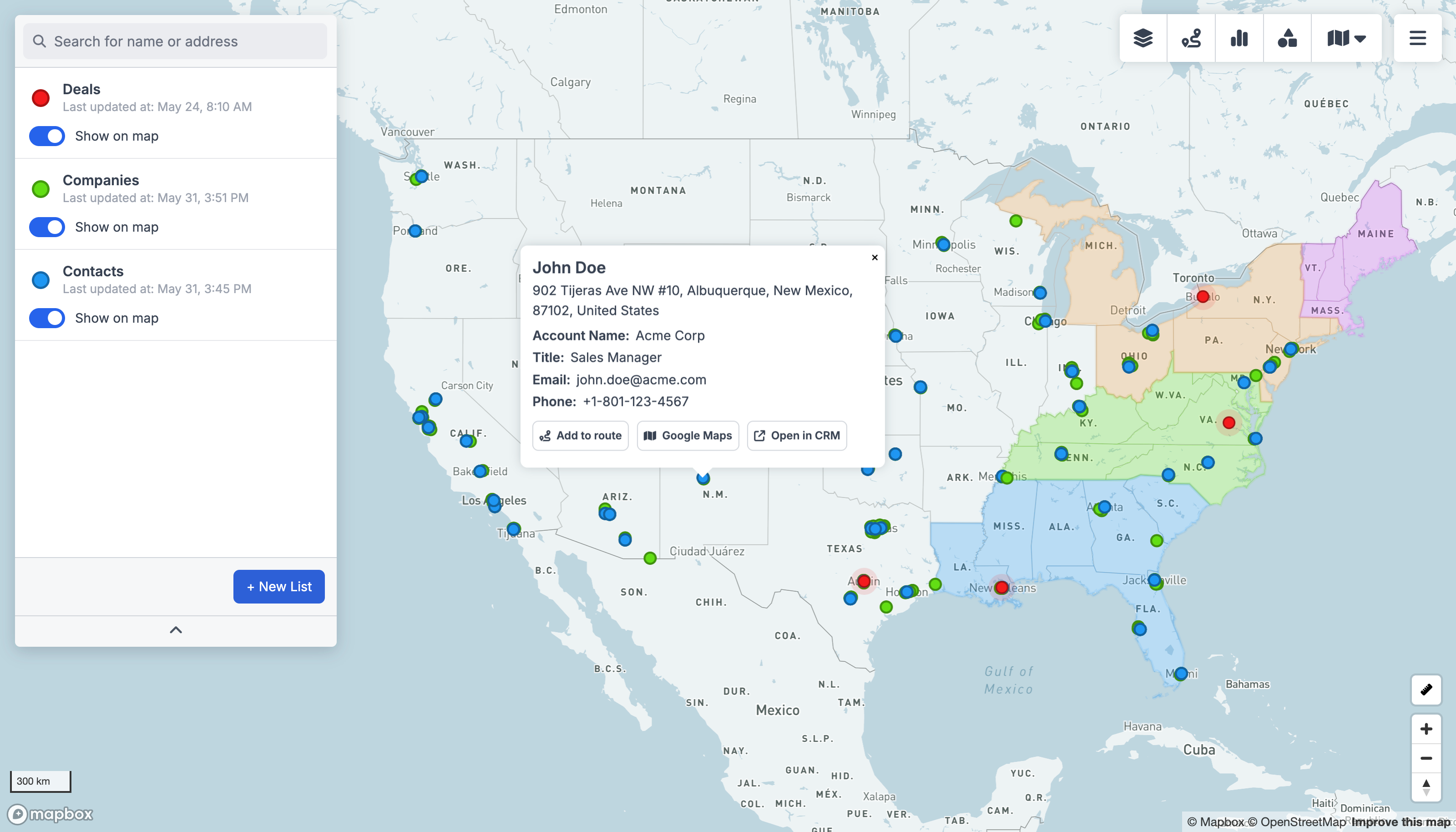
GeoMaps vs Scribble Maps, feature by feature
| Feature | GeoMaps | Scribble Maps |
|---|---|---|
| AI map generation | ||
| Native CRM integrations | 15 CRMs | import files |
| Live data sync | re-import | |
| Drawing & annotation tools | core strength | |
| GIS file import / export | SHP, KML, GPX… | |
| Route planning & optimization | Pro tier | |
| Public / embeddable maps | ||
| Free plan | 1,000 locations | limited maps |
built-in · partial / on roadmap · not available. Competitor details are our objective read and can change — check their site for the latest.
See GeoMaps in action
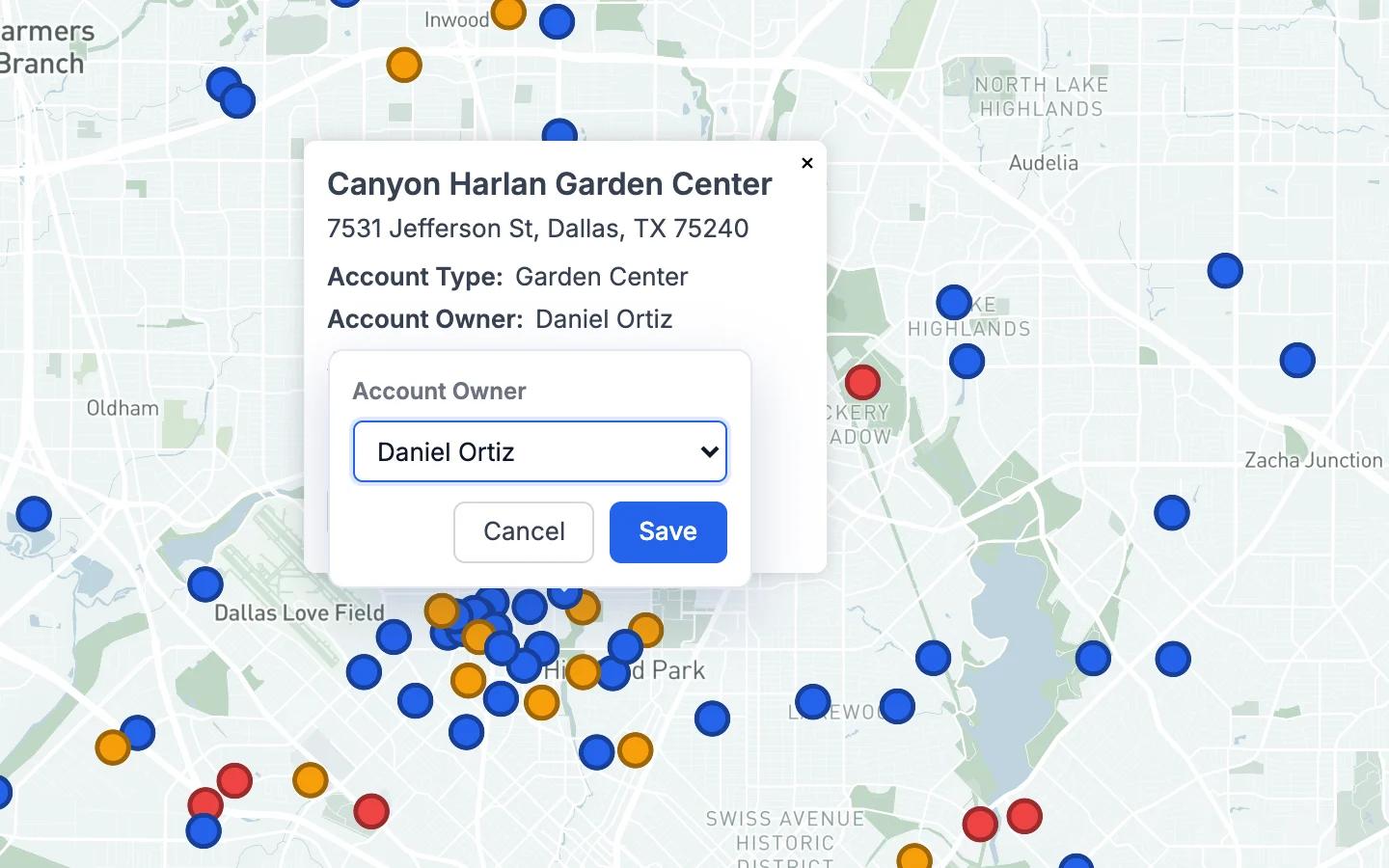
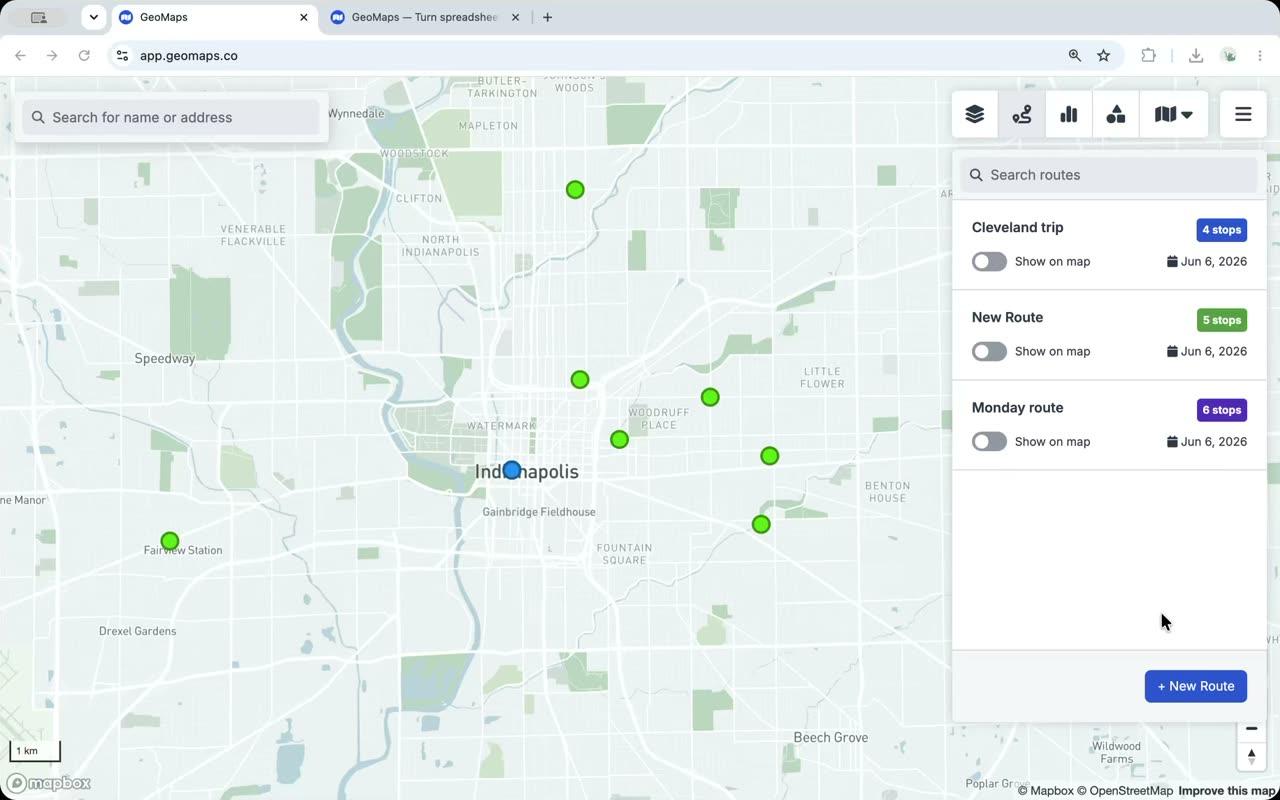
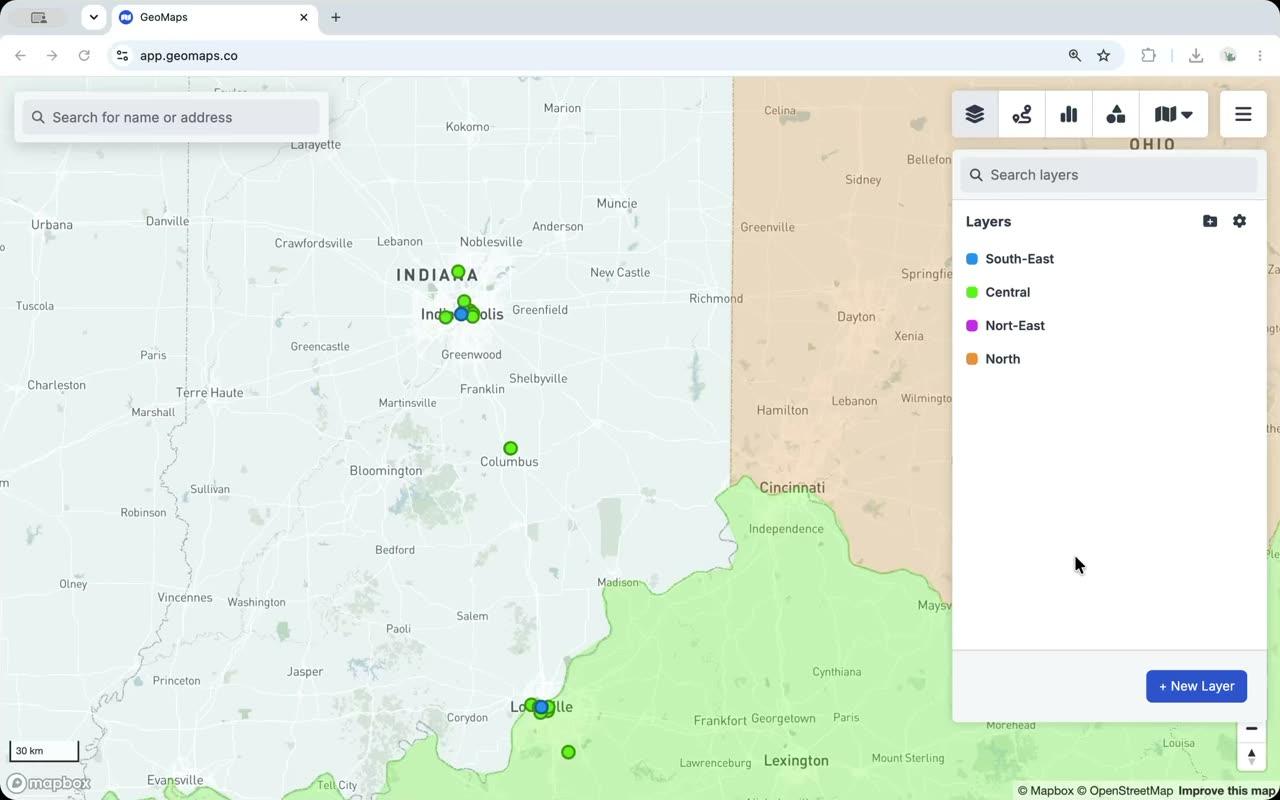
Real screenshots from the app.
Connect the tools you already use
GeoMaps syncs live from your CRM, spreadsheet or database — no manual re-imports. A few of the 20+ native connectors:
See all integrations Attio
Attio LeadConnector
 Close
Close Copper
 Salesmate
 Google Sheets
 Excel
Excel Less Annoying CRM
Choose Scribble Maps if…
you want hands-on drawing, annotation and GIS file import/export with real-time collaboration — sketching on maps is its core strength.
- Best-in-class freehand drawing and annotation — sketch, label and highlight directly on the map.
- Broad GIS file import/export (Shapefile, KML, DXF, GPX, GeoJSON) and real-time collaboration.
- Buffer and drive-time analysis, with a wide range of plans and an established user base.
Choose GeoMaps if…
you want to map live CRM, spreadsheet or database data with AI, routing and branded customer-facing maps — not freehand drawing.
- Native connectors to 15 CRMs (Attio, Close, Copper and more) plus spreadsheets and databases, kept in sync.
- Generate maps with AI from your CRM, spreadsheet or database.
- Branded, embeddable customer-facing maps like store locators and listings.
- Free for up to 1,000 locations, focused on connected business maps.
GeoMaps vs Scribble Maps FAQ
- Is GeoMaps a good Scribble Maps alternative?
- Yes — if you want to map business data with native CRM sync, AI generation, routing and branded customer-facing maps. Scribble Maps is the stronger pick for freehand drawing, annotation and GIS file work.
- What does Scribble Maps do better than GeoMaps?
- Scribble Maps excels at hands-on drawing and annotation, broad GIS file import/export (Shapefile, KML, DXF, GPX, GeoJSON) and real-time collaborative sketching.
- Does GeoMaps connect to my CRM?
- Yes — GeoMaps connects natively to 15 CRMs plus spreadsheets and databases and keeps the map in sync, whereas Scribble Maps is import- and drawing-based.