
GeoMaps vs GeoMapper
GeoMapper (geomapper.io) is a mapping tool built specifically for HubSpot. It lives inside HubSpot's interface and plots your contacts, companies and deals on a map without leaving the CRM, with HubSpot filtering, heat maps, area sketching and route planning driven straight from your records. GeoMapper has since joined HubSpot and no longer accepts new customers.
GeoMaps does the same core job — your records on an interactive map — but as a standalone platform that isn't tied to one CRM. It connects natively to 20+ other CRMs (Attio, Close, Copper and more), spreadsheets and databases, generates maps with AI, optimizes multi-stop routes, publishes customer-facing maps, and offers a 14-day free trial. One important difference: GeoMaps has no native HubSpot connector, so HubSpot records come in through a CSV export or the API. Here's an objective side-by-side.
GeoMaps vs GeoMapper, feature by feature
| Feature | GeoMaps | GeoMapper |
|---|---|---|
| Works beyond HubSpot | 20+ CRMs, sheets, DBs | HubSpot only |
| Native HubSpot connection | via CSV or the API | runs inside HubSpot |
| AI map generation | ||
| Native CRM integrations | 20+ CRMs (not HubSpot) | HubSpot only |
| Heat maps | ||
| Route planning & optimization | via Google Maps | |
| Public / customer-facing maps | ||
| Standalone (no CRM required) | ||
| Free trial | 14 days, no card | closed to new customers |
built-in · partial / on roadmap · not available. Competitor details are our objective read and can change — check their site for the latest.
See GeoMaps in action
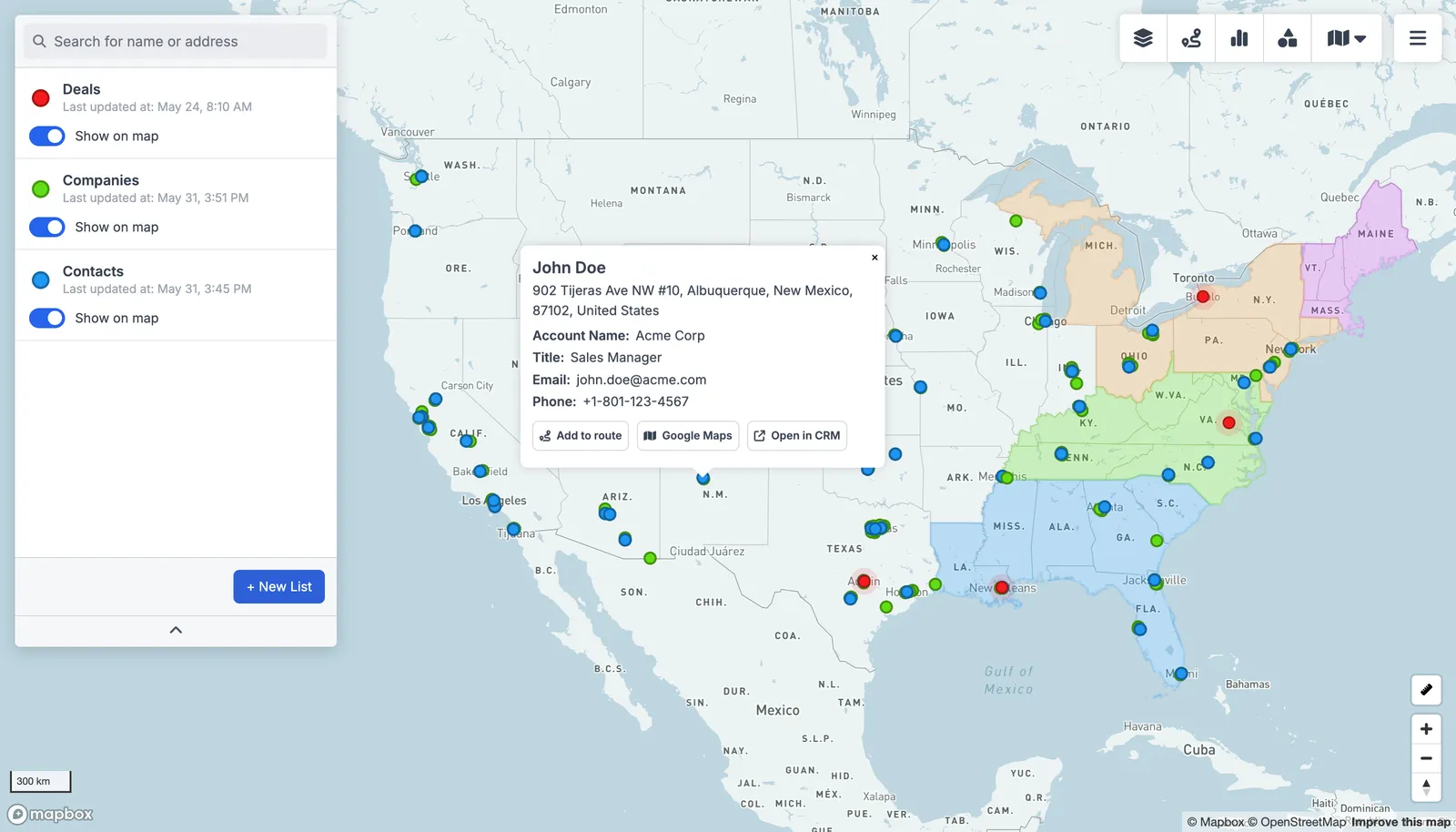
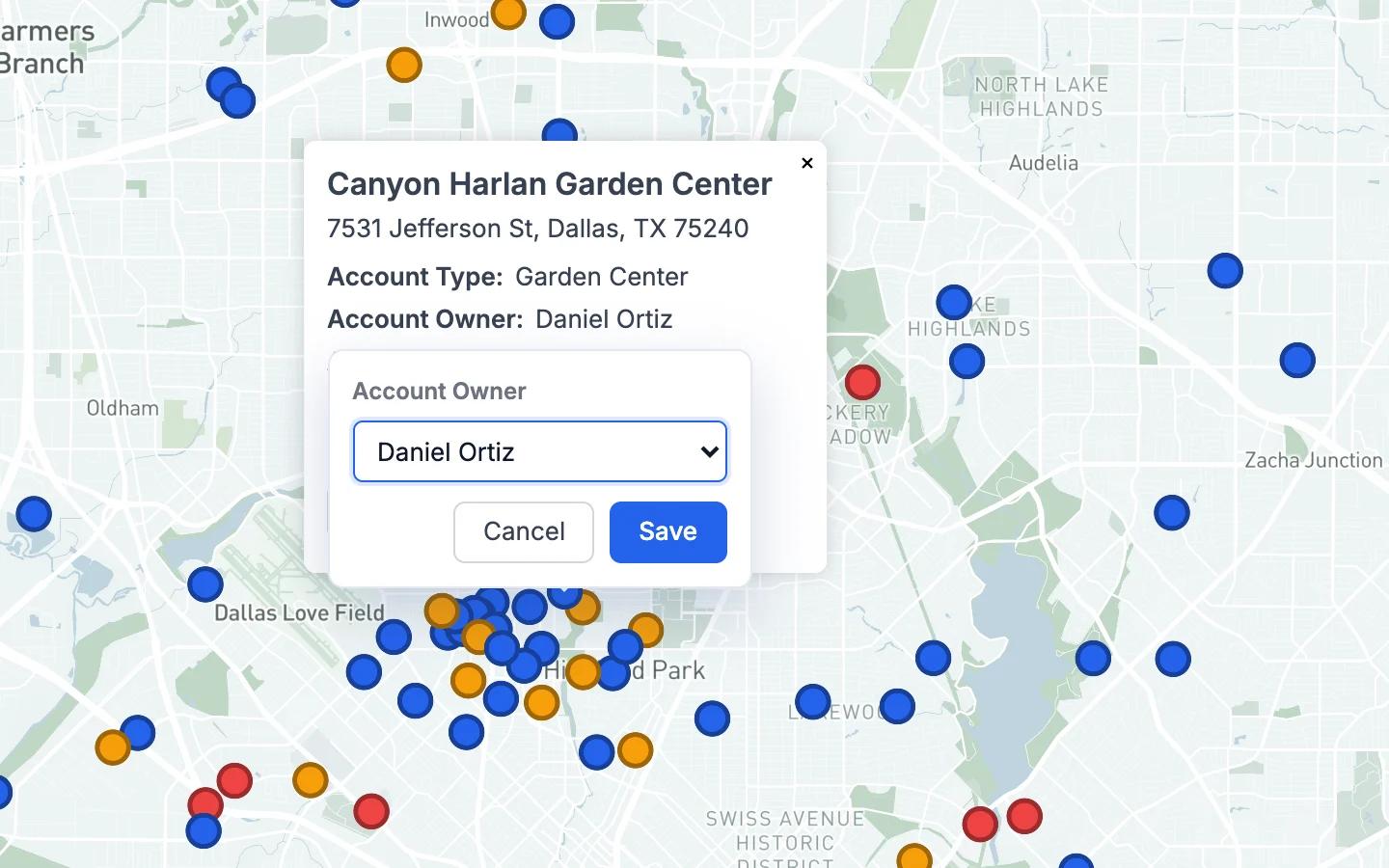
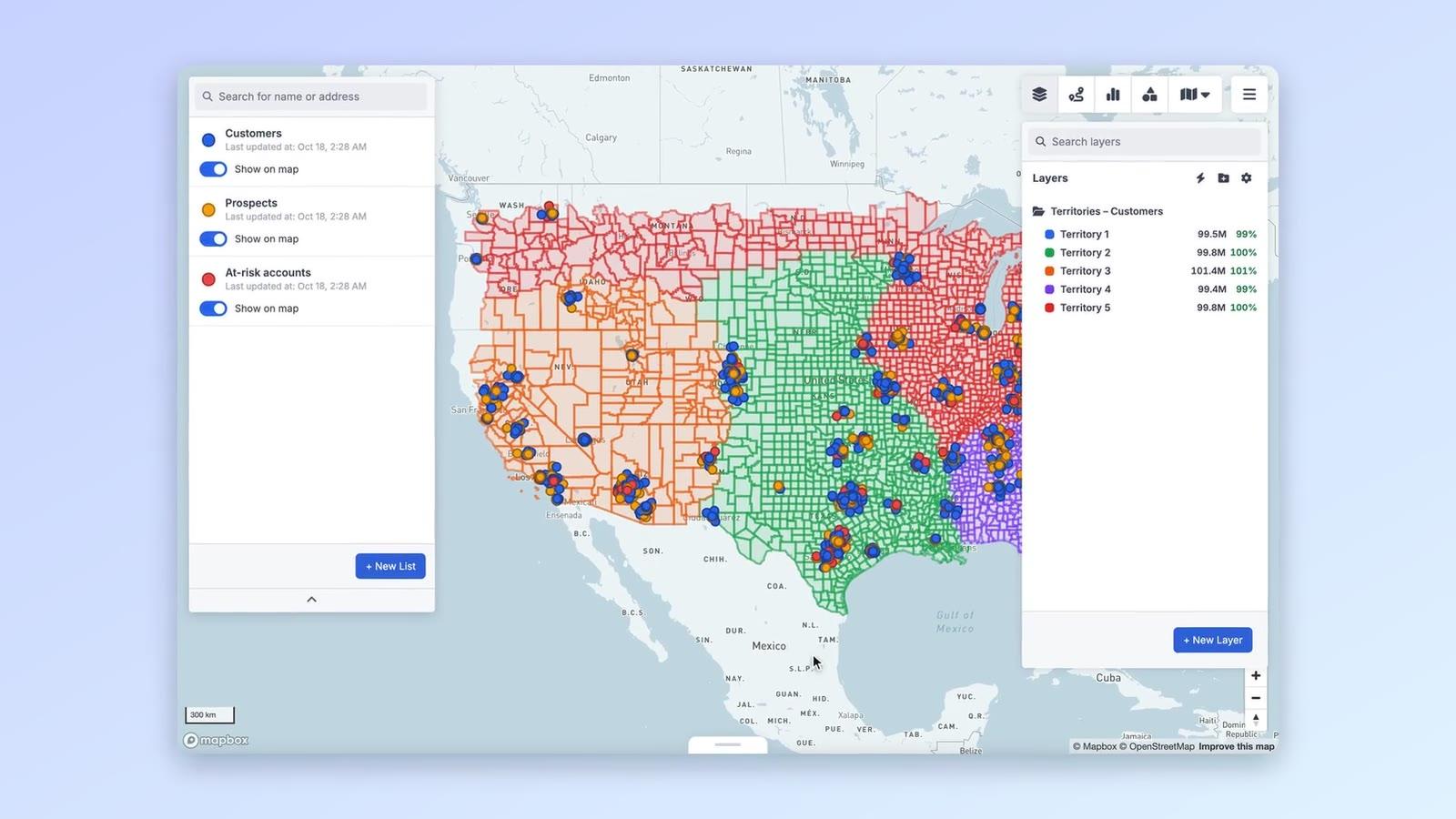
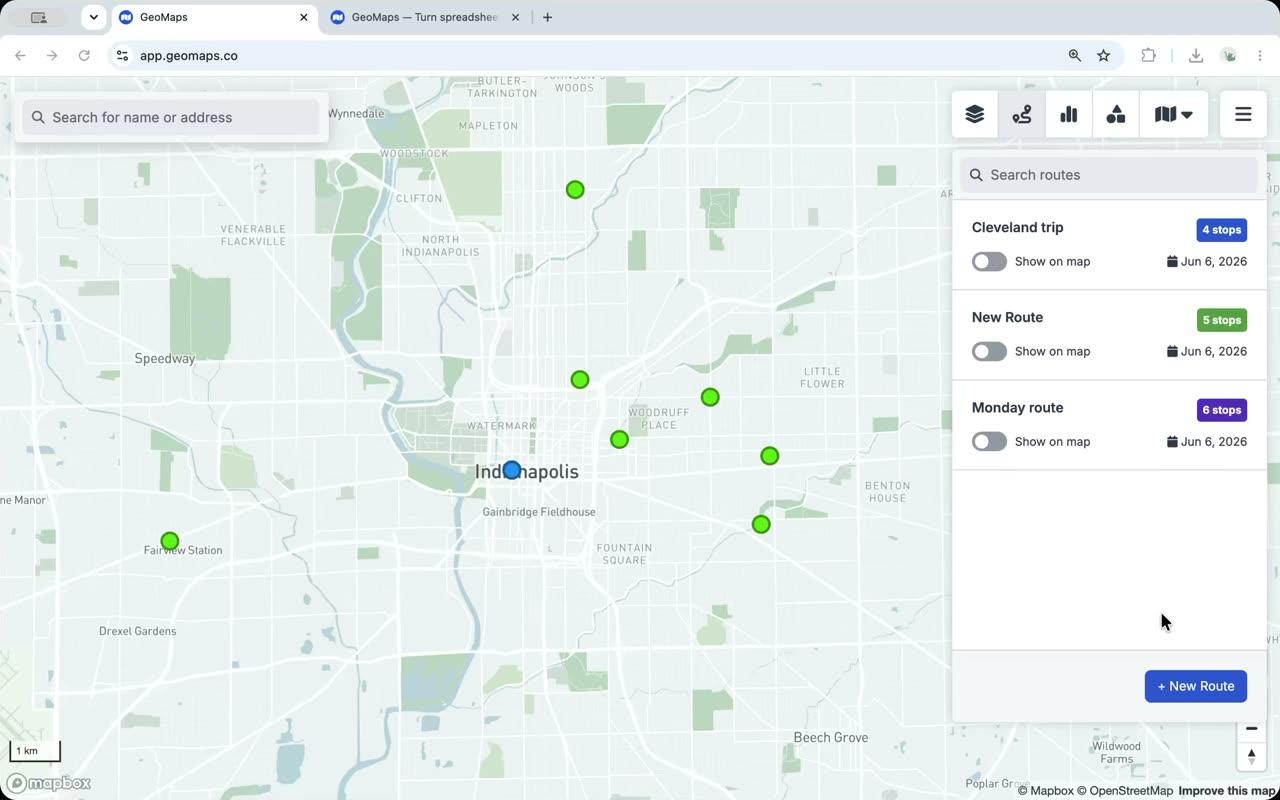
Real screenshots from the app.
Connect the tools you already use
GeoMaps syncs live from your CRM, spreadsheet or database — no manual re-imports. A few of the 20+ native connectors:
See all integrations Attio
 LeadConnector
 Close
 Copper
 Salesmate
 Google Sheets
 Excel
 Less Annoying CRM
Choose GeoMapper if…
you're an existing GeoMapper customer, your data lives entirely in HubSpot, and you want a mapping view embedded inside the HubSpot interface itself.
- Native, in-CRM experience for HubSpot users — the map lives right inside HubSpot with no second login.
- Tight HubSpot filtering, with the ability to push mapped records back into HubSpot lists.
- Simple, for teams whose data lives entirely in HubSpot.
Choose GeoMaps if…
you use a CRM other than HubSpot (or several data sources), or you want AI map generation, route optimization, customer-facing maps, or a standalone tool that isn't locked to one CRM.
- Map data from 20+ CRMs (Attio, Close, Copper and more), spreadsheets and databases — not just one CRM.
- Generate a finished map with AI instead of configuring it by hand.
- Optimize multi-stop routes and publish branded, customer-facing maps.
- Try it free for 14 days — no credit card required.
GeoMaps vs GeoMapper FAQ
- Is GeoMaps a good GeoMapper alternative?
- If you use a CRM other than HubSpot, or want to map spreadsheets and databases too, yes. If you're already on GeoMapper and your data lives only in HubSpot, its in-CRM view is the more direct fit — GeoMaps has no native HubSpot connector. GeoMaps connects natively to 20+ CRMs plus spreadsheets and databases, adds AI map generation, routing and customer-facing maps, and works as a standalone tool rather than a HubSpot add-on.
- What's the difference between GeoMaps and GeoMapper?
- GeoMapper is a mapping app that runs inside HubSpot and only works with HubSpot data. GeoMaps is a standalone mapping platform that connects natively to 20+ other CRMs, spreadsheets and databases (HubSpot data via CSV or the API), and adds AI, route optimization and published maps.
- Do I need HubSpot to use GeoMaps?
- No. GeoMaps works with any supported CRM, spreadsheet or database — or just an uploaded file — so you don't need HubSpot, or any CRM, to get started.