
All articles
satellite
Mapping Your Sites on Satellite Imagery
By GeoMaps Team · June 9, 2026 · 2 min read
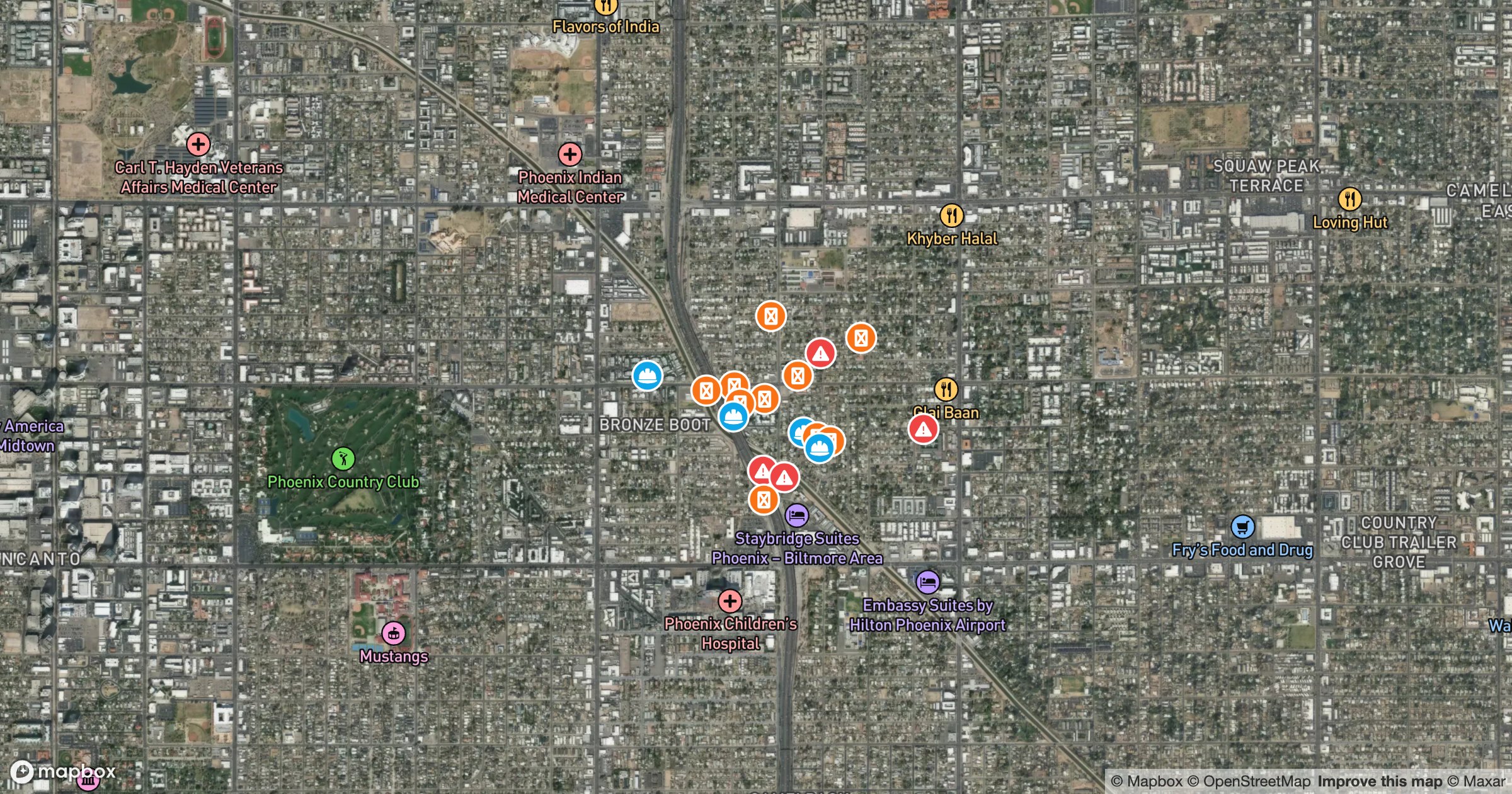
A street map abstracts the world into lines and labels. Satellite imagery puts the real thing back: rooftops, parking lots, fields and frontage sitting right behind every pin. For property, solar, construction and land work, that context is the whole point.
Pins with the ground behind them
In GeoMaps you can switch the basemap to satellite in a click, and your locations sit straight on top of the imagery. Style each list its own color so site types stay readable against the busy backdrop — here, three categories across the Phoenix metro.

Because it's the same data on a different basemap, you lose nothing by switching: filters, routes and territories all carry over. Flip to streets when you need road names, back to satellite when you need to see the actual site.
Learn more
Explore Customized Markers