
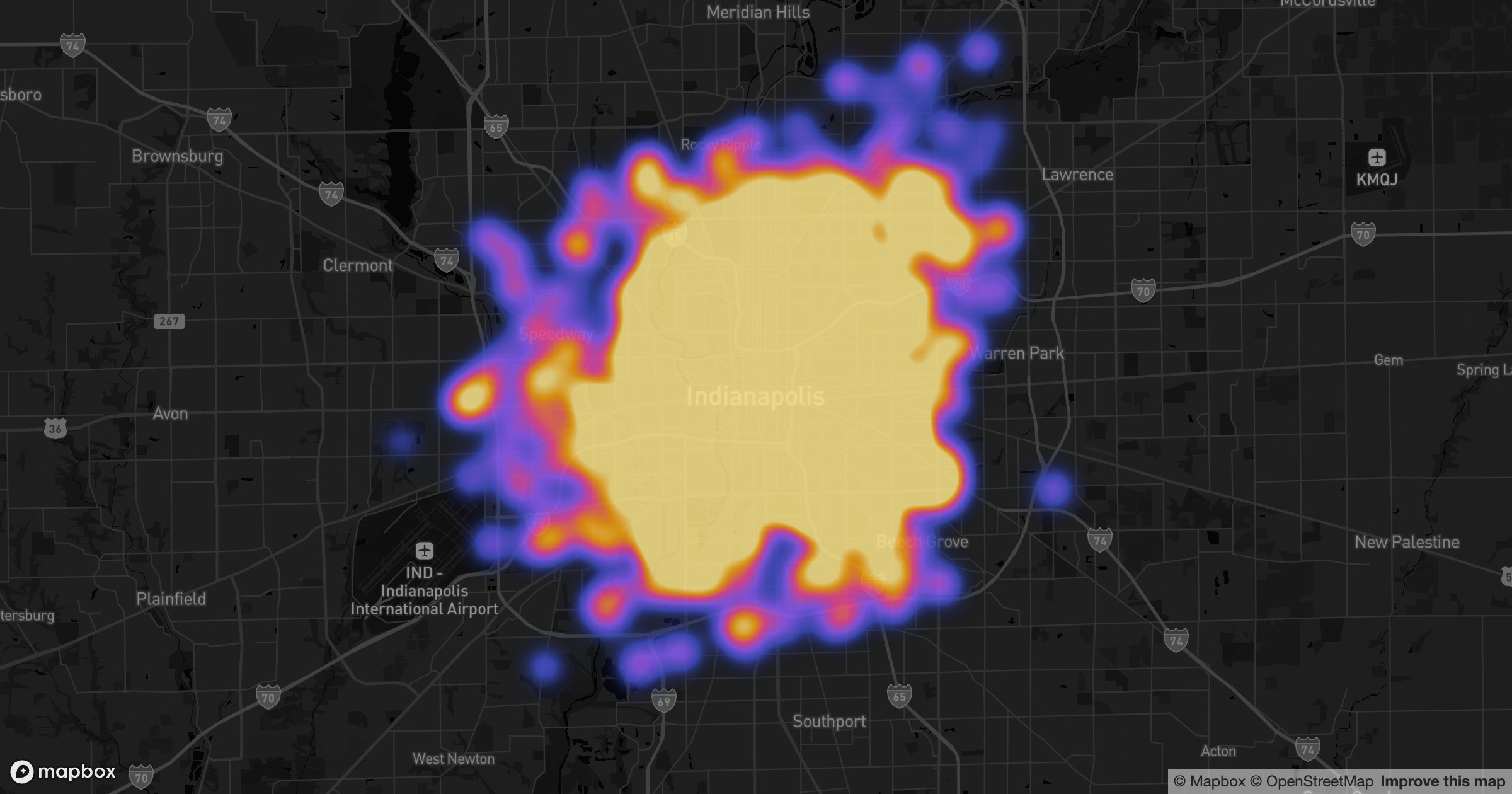
Light basemaps are great for reading street names. They're not great for making color glow. Swap to a dark basemap and a heatmap lights up like a city at night — the dense cores burn bright while the quiet edges fall away into black.
Built for the wall display
GeoMaps draws the heatmap the same way on any basemap; the dark tiles just give the color room to breathe. It's the version you want on an ops dashboard or a screen on the wall, where contrast does the talking and nobody's reading labels.
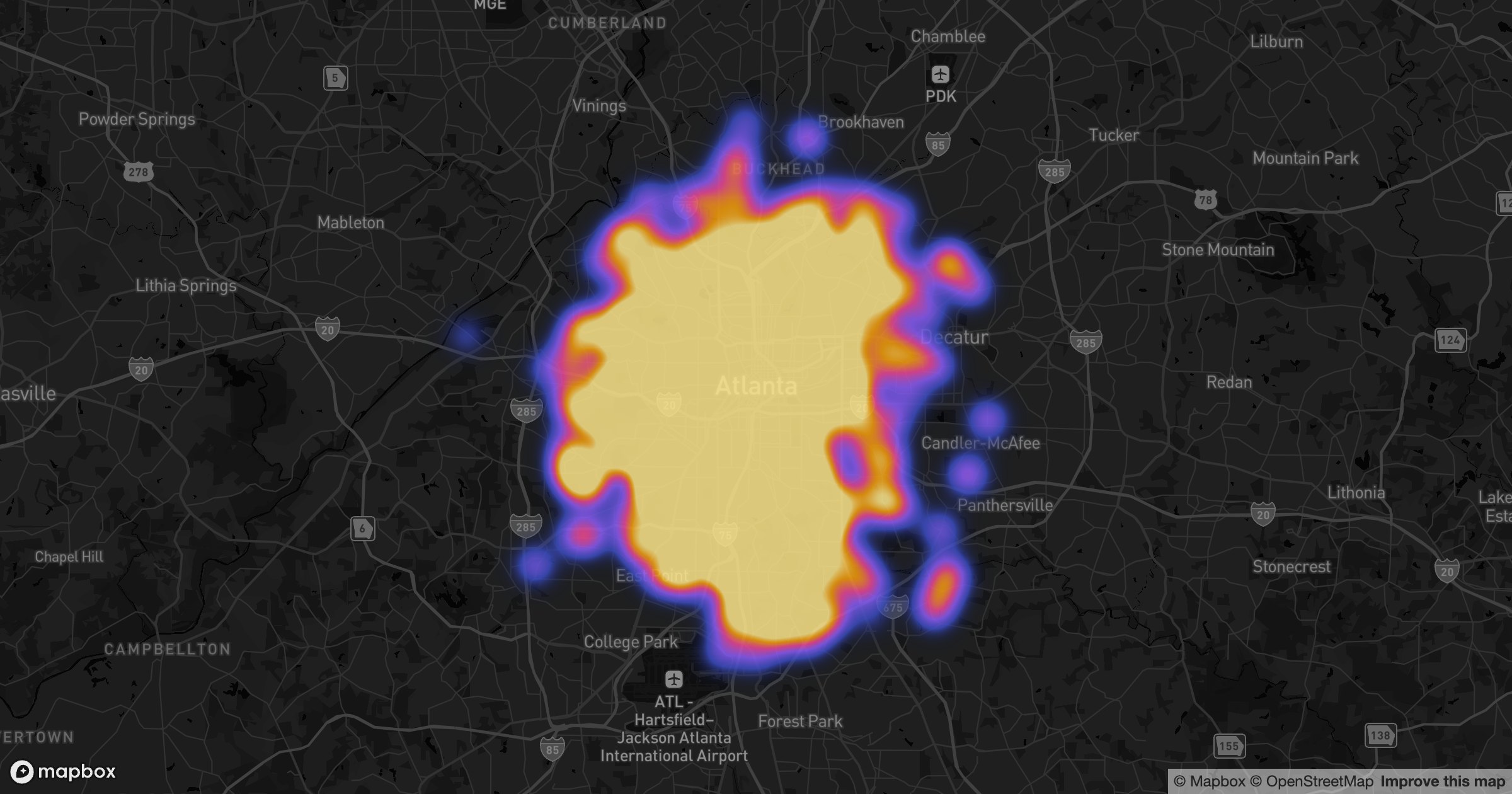
Weight the heat by revenue or order count and the brightest blooms mark where the value really is. Same data, same heatmap — a darker stage that makes it sing.
Learn more
Explore the Heatmap visualization