
Best Route Planning Apps for Multiple Stops (2026)
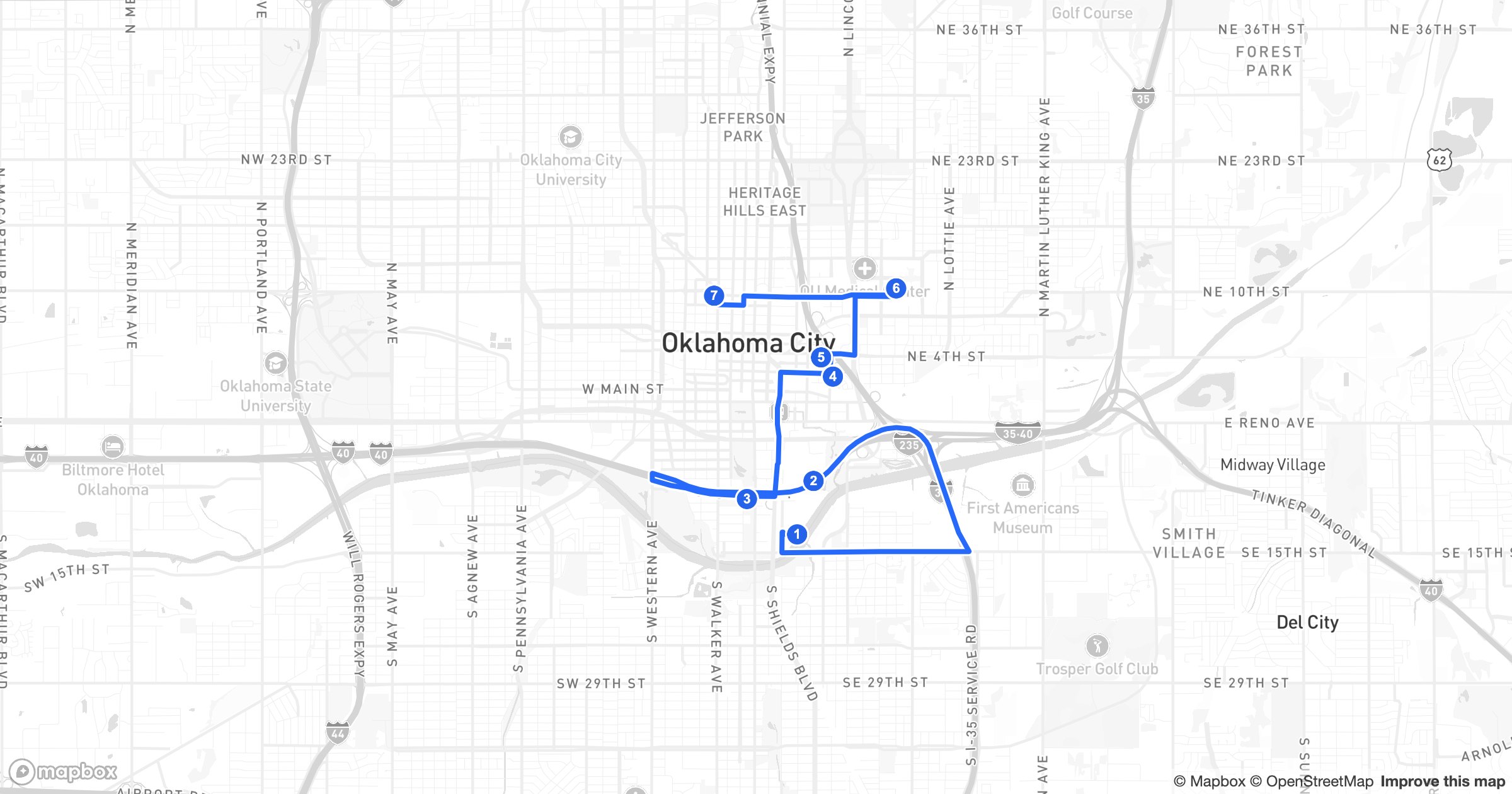
Plotting one stop is trivial; sequencing twenty so a driver isn't doubling back all day is the hard part. A good multi-stop route planner takes a list of addresses and returns the fastest order, with real drive times on real roads. Here are the best route planning apps of 2026, by use case.
What separates a real route planner
- True optimization — the best order, not just A-to-B directions
- Plenty of stops per route (dozens, not a handful)
- Real road-network drive times and distances
- Easy stop entry: paste a list, import a spreadsheet, or pull from a CRM
- Export or send the route to a phone for turn-by-turn
1. GeoMaps — best for mapping and routing together
GeoMaps stands out because your stops come from the same place as your data. Map your accounts or jobs, then build an optimized multi-stop route straight from what's on screen.
- Plan multi-stop routes ordered along real roads with real drive times
- Build routes from mapped CRM or spreadsheet records — no retyping addresses
- Optimize the stop order, then email, print or export the route
- Color-code routes for a whole team on one map
- Free plan up to 1,000 locations
Best for sales and field teams who want planning and routing in one tool instead of bolting a router onto a separate map.
2. Badger Maps — field-sales routing with CRM
Reps' favorite for daily driving routes, check-ins and a strong mobile app; connects to select CRMs. See GeoMaps vs Badger Maps.
3. Route4Me — high-volume delivery routing
Purpose-built for delivery and last-mile operations, with large route sizes, driver apps and proof of delivery. Best for logistics teams routing many drivers daily.
4. Circuit — simple, driver-friendly routes
Popular with couriers and small delivery teams for fast, easy multi-stop routing and a clean driver app. Great when simplicity matters more than analytics.
5. OptimoRoute — planning and scheduling at scale
OptimoRoute plans and schedules routes across drivers and days, with workforce-oriented features for field service and delivery operations.
6. Maptive — routes alongside spreadsheet mapping
Maptive adds route optimization on top of spreadsheet mapping and territories — handy if you already map data there. See GeoMaps vs Maptive.
7. Google Maps — fine for a few quick stops
Free and everywhere, Google Maps handles a handful of stops but caps the count, doesn't truly optimize the order, and won't pull from your data. Good for ad-hoc trips, not route-heavy days.
How to choose
- Your stops live in a CRM or spreadsheet and you want maps + routing in one place → GeoMaps
- Pure last-mile delivery at volume → Route4Me or OptimoRoute
- Simple courier routes → Circuit
- Field reps needing check-ins → Badger Maps
- A quick personal trip → Google Maps
If routing is one part of a bigger mapping job — territories, customer maps, field visits — it's far simpler to plan routes where your data already lives. That's the case for GeoMaps.