
Best Territory Mapping Software for Sales Teams (2026)
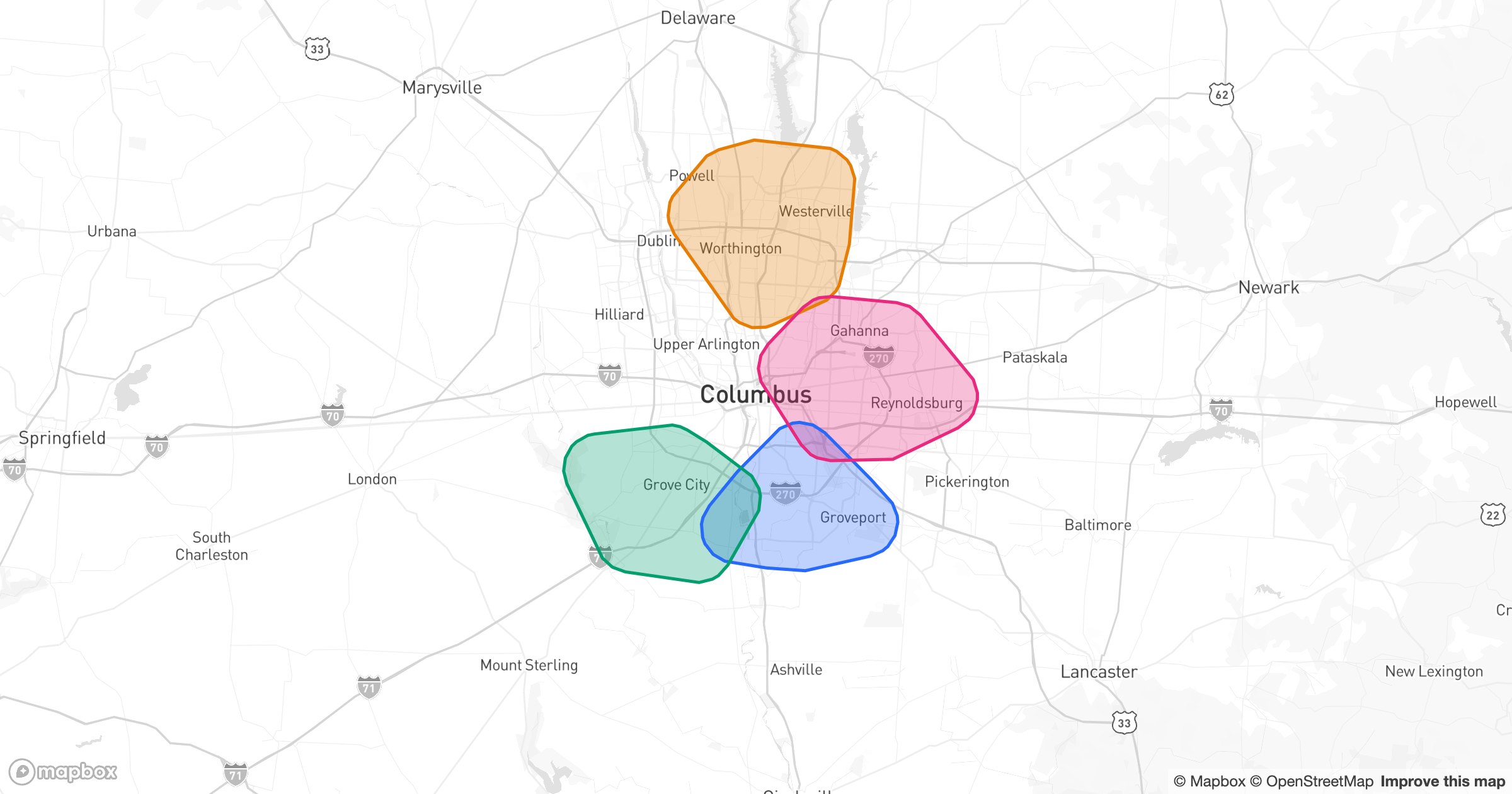
Sales territories are decisions disguised as data: who owns which accounts, where one rep hands off to the next, which areas are doubled up or left uncovered. The fastest way to make those decisions fair and visible is to put them on a map. Here are the best territory mapping tools of 2026.
What good territory mapping software does
- Build territories from regions, states, counties, ZIPs or drawn areas
- Assign accounts to owners and color the map by territory
- Show balance — accounts, value or workload per territory
- Reshape boundaries and instantly see what moved
- Sync with your CRM so territories reflect real accounts
1. GeoMaps — best overall for territory mapping
GeoMaps makes territory design visual and quick: shade regions by owner, draw custom boundaries, and balance coverage while looking at the same live data your reps work from.
- Build territories from administrative regions or drawn shapes
- Color each area by the team or rep that owns it, with crisp borders
- Pull accounts live from your CRM or spreadsheet
- Layer in radius and drive-time areas to test coverage
- Share territories as a public or embedded map
- Free plan up to 1,000 locations
Best for sales and RevOps teams that want to design, balance and share territories without a GIS specialist.
2. eSpatial — enterprise territory management
Mature, enterprise-grade territory tools with onboarding-led setup and quote-based pricing — a fit for large, structured sales orgs. See GeoMaps vs eSpatial.
3. Salesforce Maps — territories inside Salesforce
Native territory and alignment tools for Salesforce-centric organizations, with enterprise licensing to match. See GeoMaps vs Salesforce Maps.
4. Maptive — territories from spreadsheets
Solid territory building on uploaded data, with routing on top; CRM data arrives via import. See GeoMaps vs Maptive.
5. Mapline — operations-style territories
Territory and bulk mapping for operations teams — capable, with a more dated interface and trial-based access. See GeoMaps vs Mapline.
6. Maptitude — desktop territory analysis
A desktop GIS strong on demographics and territory alignment; analyst-oriented and desktop-bound. See GeoMaps vs Maptitude.
How to choose
- Want fast, visual, shareable territories tied to live data → GeoMaps
- Large enterprise with structured alignment cycles → eSpatial or Salesforce Maps
- Spreadsheet-based periodic planning → Maptive
- Deep demographic analysis on the desktop → Maptitude
Territories live or die on clarity and fairness. The tool that lets every stakeholder see the split — and the imbalance — in one picture is the one that gets buy-in. For most teams that's GeoMaps; enterprises with formal alignment processes may prefer eSpatial or Salesforce Maps.