
How to Plan a Multi-Stop Route on a Map
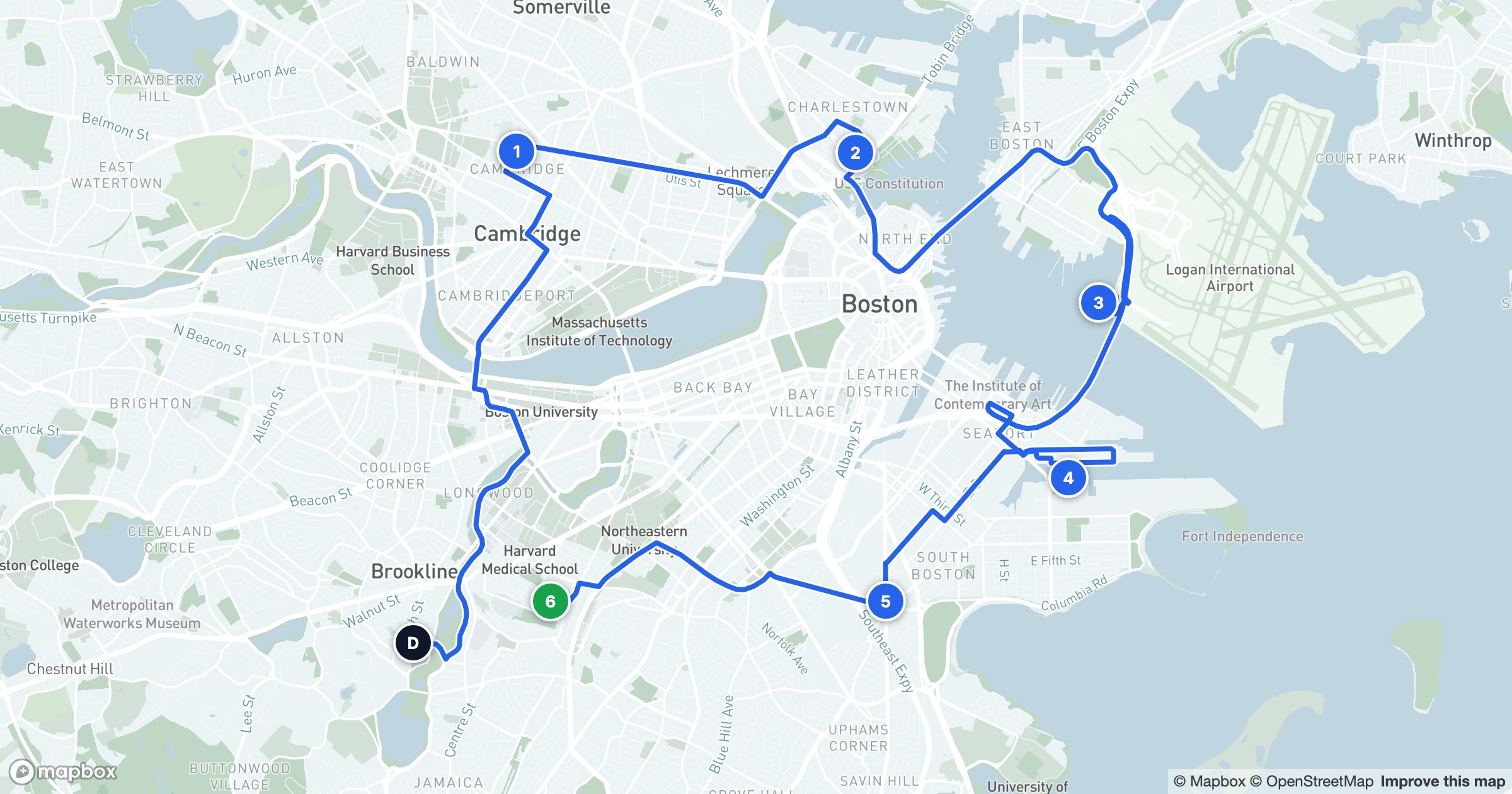
A route is a sequence of places with an order that matters. On a map that order becomes obvious: a clean line threading from a starting point through each numbered stop and back, drawn along the actual road network rather than as the crow flies.
The shape of a day
GeoMaps draws the path with a bright line over a soft white casing so it stays legible across any basemap, and marks each stop with a numbered badge — the depot, the stops in sequence, the final call. You can see the backtracks, the clusters, and the long hops between them in a single glance.
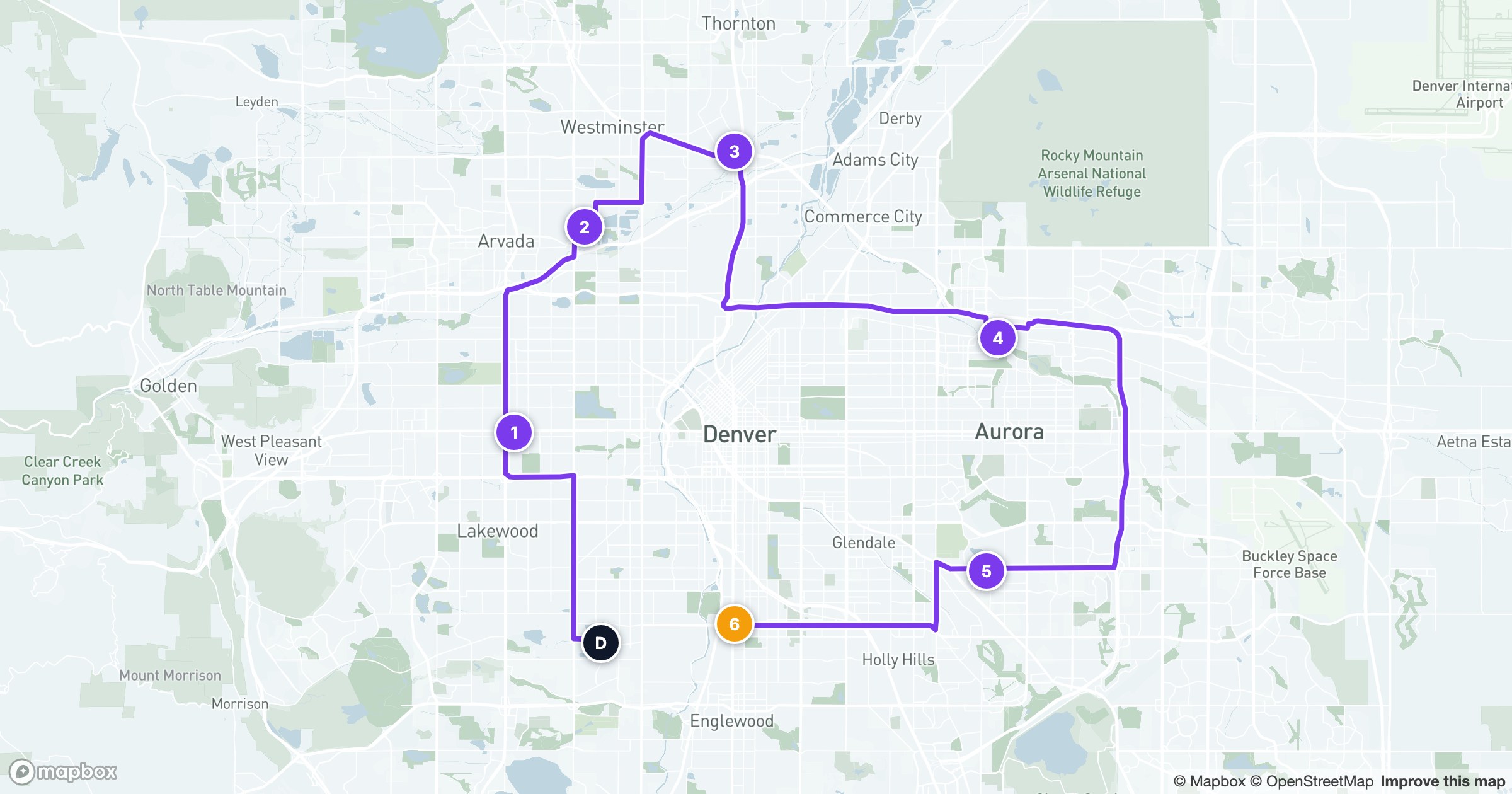
Because the line follows real streets, the distances and drive times underneath it are real too — so a route that looks tight actually is tight, and reordering a couple of stops to cut an hour of driving is something you can both see and measure.
That visual is the whole point of routing: turning a flat list of addresses into something a driver or rep can follow turn by turn, and a planner can keep improving week over week.