
How to Put Your Spreadsheet Data on a Map
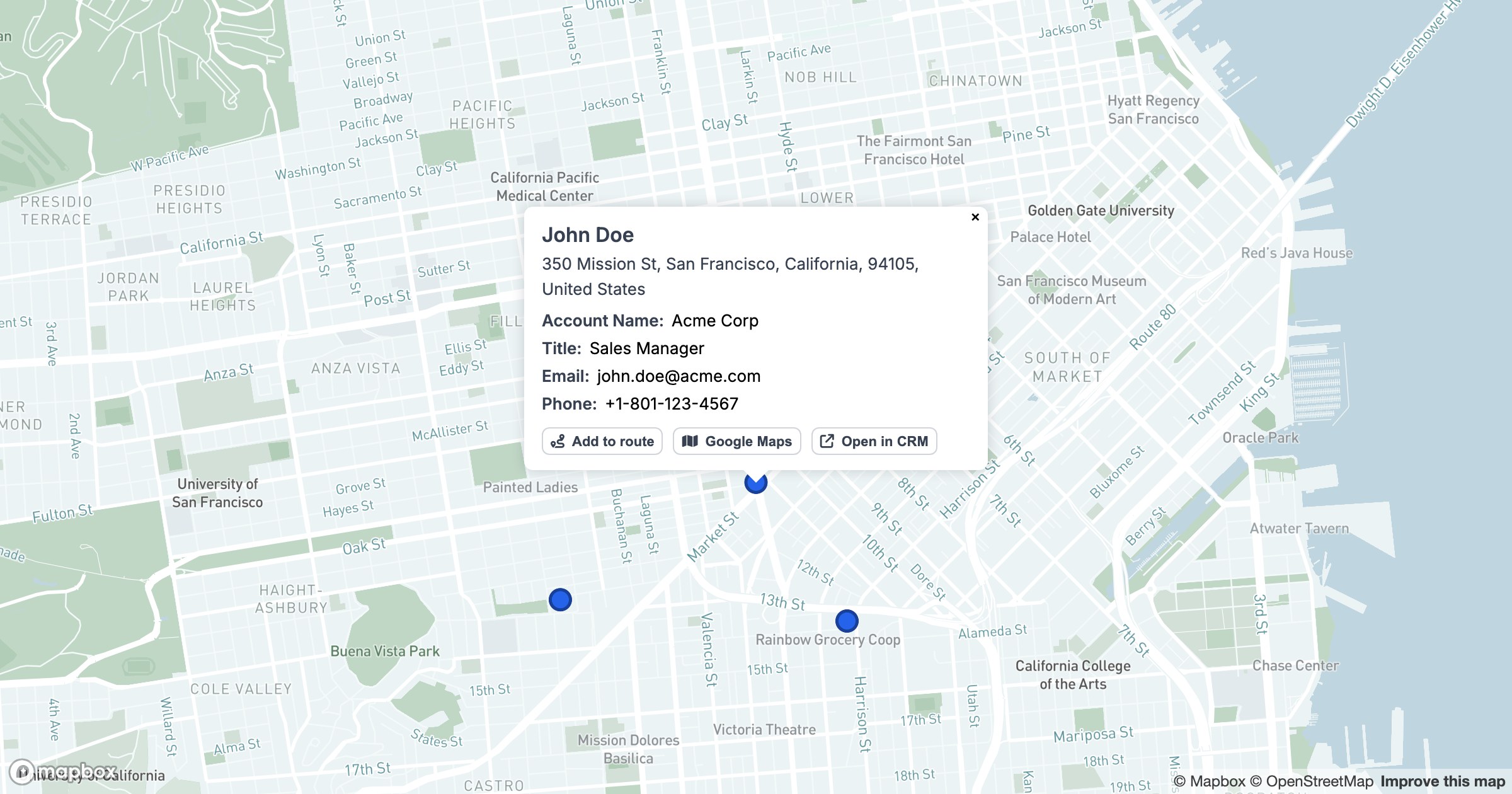
Every dot on the map is a row of data somewhere. The connection between the two is what makes a map useful instead of decorative — and it lives in the popup.
The row, in place
Click a record in GeoMaps and a clean card opens with the fields that matter: who owns it, what stage it's in, what it's worth, where it sits. Nothing leaves the map; the detail comes to the point instead of you going back to a table to look it up.
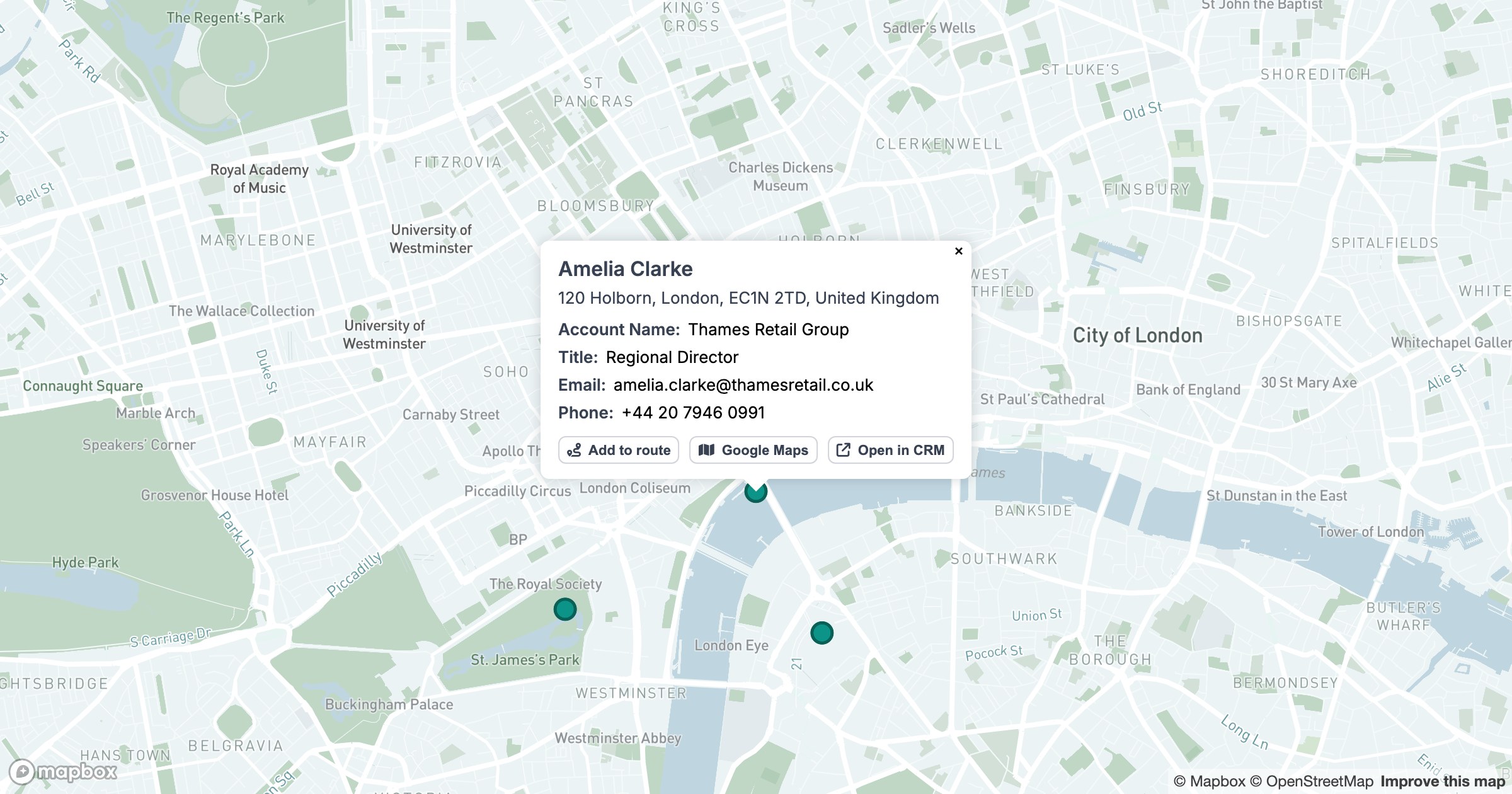
The card carries actions too — add the stop to a route, open it in Google Maps, jump straight to the original record in your CRM — so the map isn't a dead end but a launch point into whatever you do next.
That's the quiet power of putting data on a map. The location gives you the pattern; the popup gives you the particulars — and you move between the two without ever losing your place.