
How to Make a Heat Map from Your Location Data
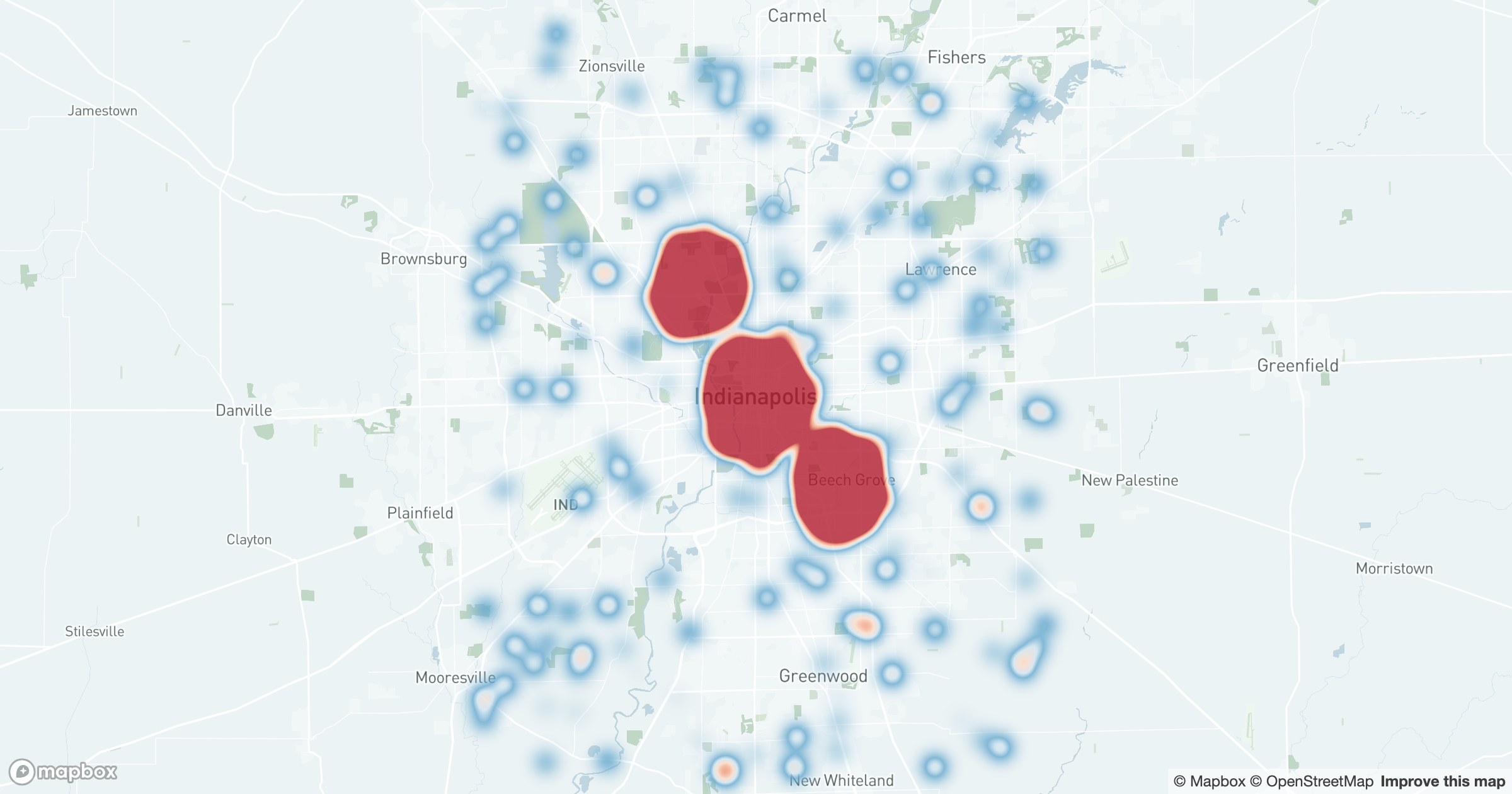
A scatter of individual markers tells you where things are. A heatmap tells you where they concentrate. The moment a few thousand records turn into a smooth gradient of cool-to-warm color, the eye goes straight to the dense cores and the thin edges between them.
Density, not dots
In GeoMaps, the heatmap weighs each point and blends them into a continuous surface — deep blue where activity is sparse, shading through green and amber to red where it piles up. Because the blend follows the zoom level, the same dataset reads cleanly whether you're looking at a single neighborhood, one metro, or the whole country.
That weighting is the part people miss. A raw dot map treats every record the same; a heatmap can let revenue, order count, or visit frequency drive the intensity, so the brightest areas reflect value and not just how many pins happen to overlap.
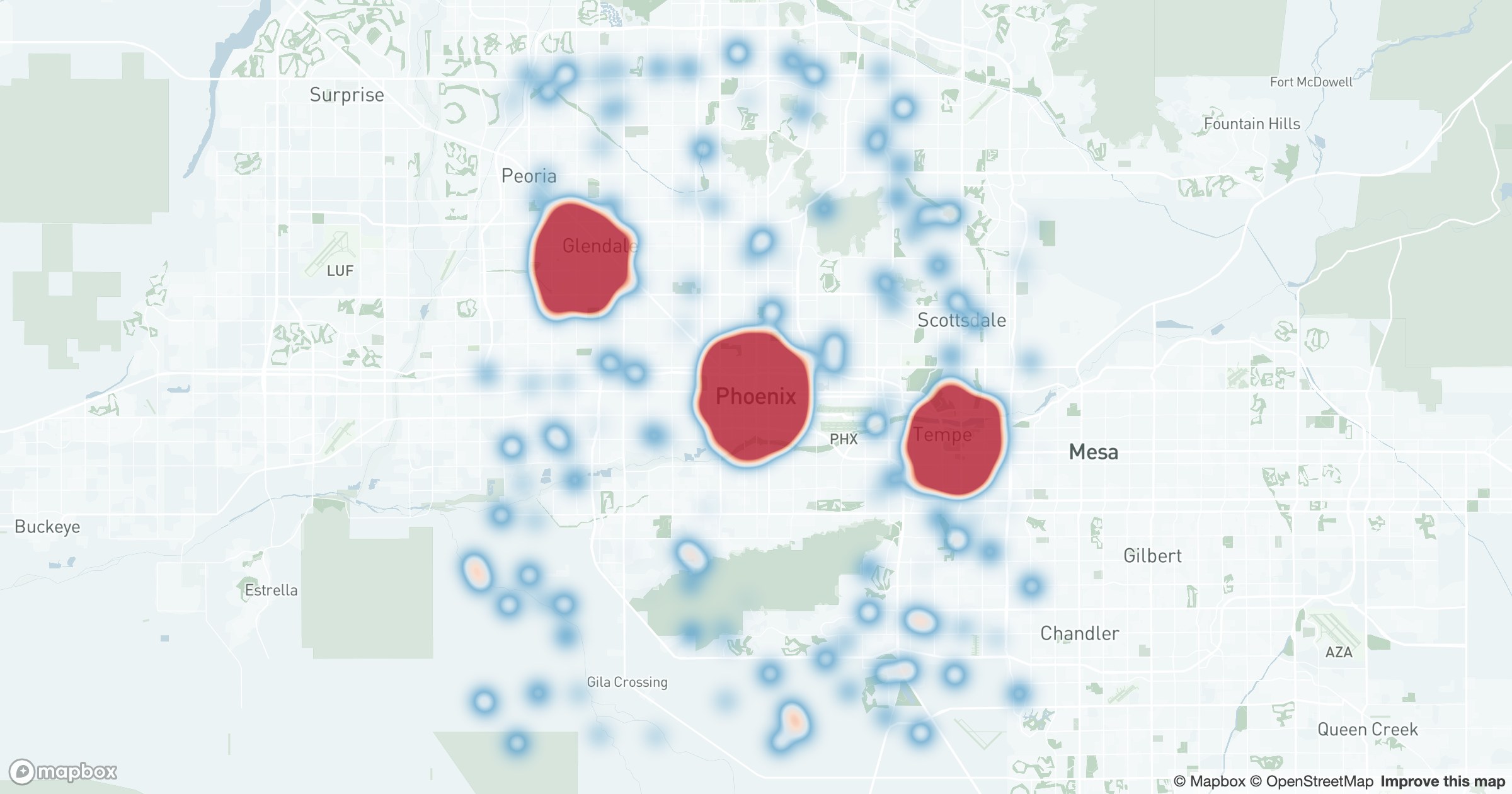
It's the fastest way to answer "where is this happening most?" — customer orders, service calls, support tickets, foot traffic. There are no labels to read and no clusters to expand; you just see the shape of demand, lit up by intensity, and you know immediately where to focus and where you're thin.