
How to Build a Map Dashboard with Live Charts
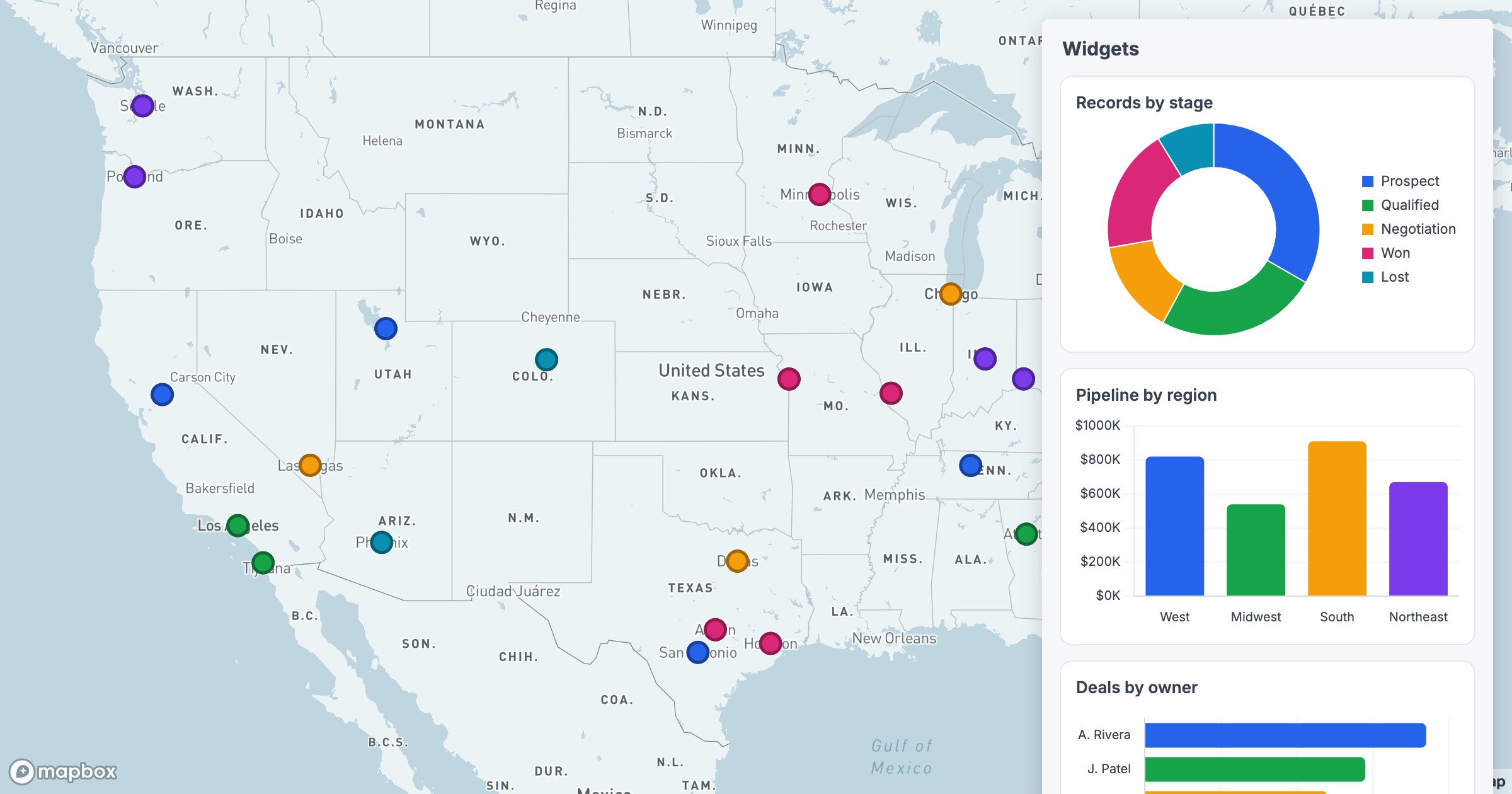
A map is great at "where," but most questions don't stop there. How much pipeline sits in each region? What share of accounts are enterprise? Which owner has the most deals? Widgets answer those right next to the markers, so the geography and the totals live in one view.
The numbers, in context
In GeoMaps you can pin a panel of charts — pie, doughnut, bar — beside the map, each summarizing the same records you're looking at. Color the points by category and the charts echo the same palette, so a slice in the doughnut and a cluster on the map read as the same thing.
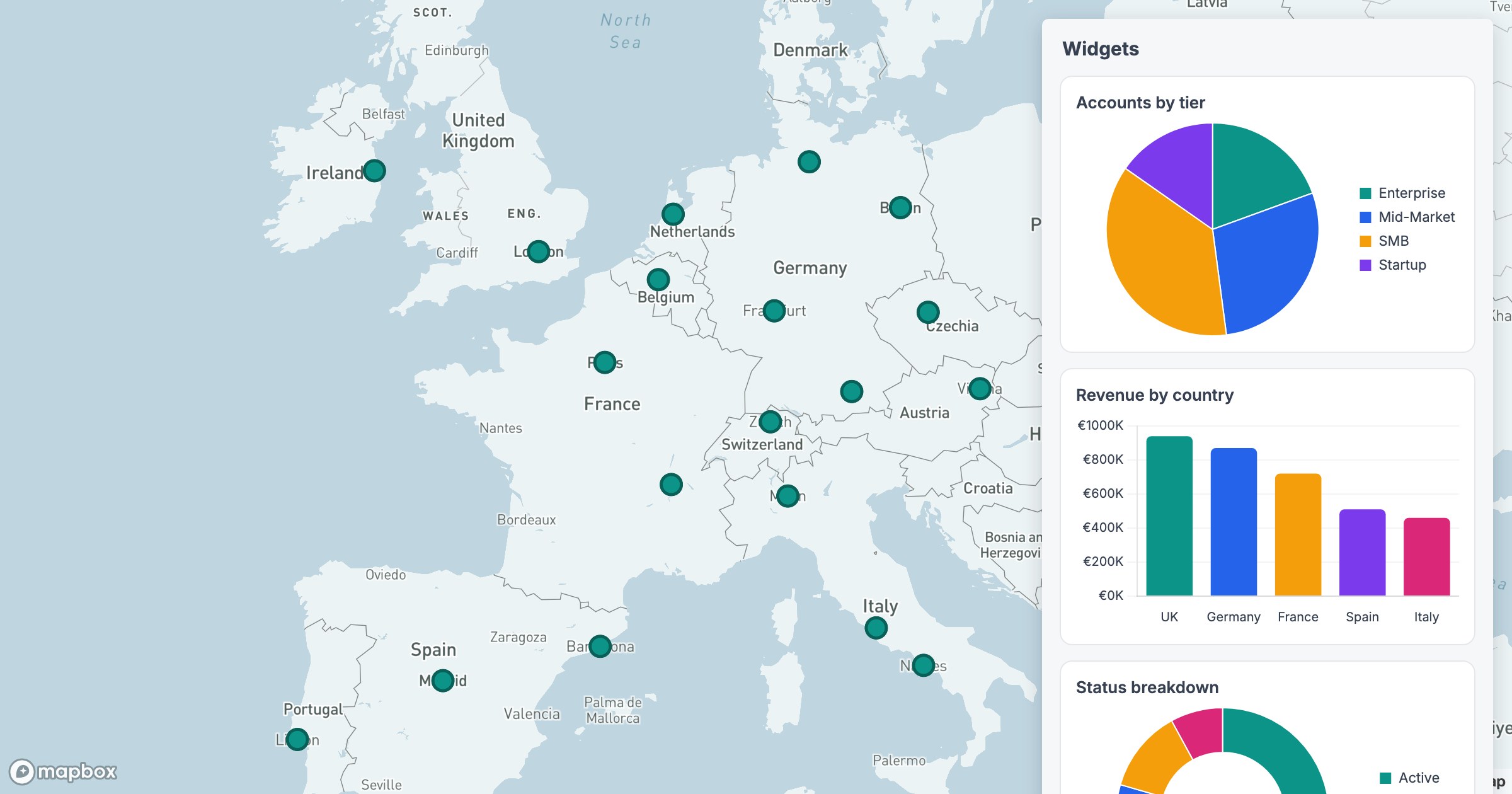
Because the widgets are built from your live data, they update as you filter. Narrow to one region or one stage and the charts recompute to match — the map and the dashboard stay in lockstep instead of telling two different stories.