
How to Color-Code Map Markers by Category
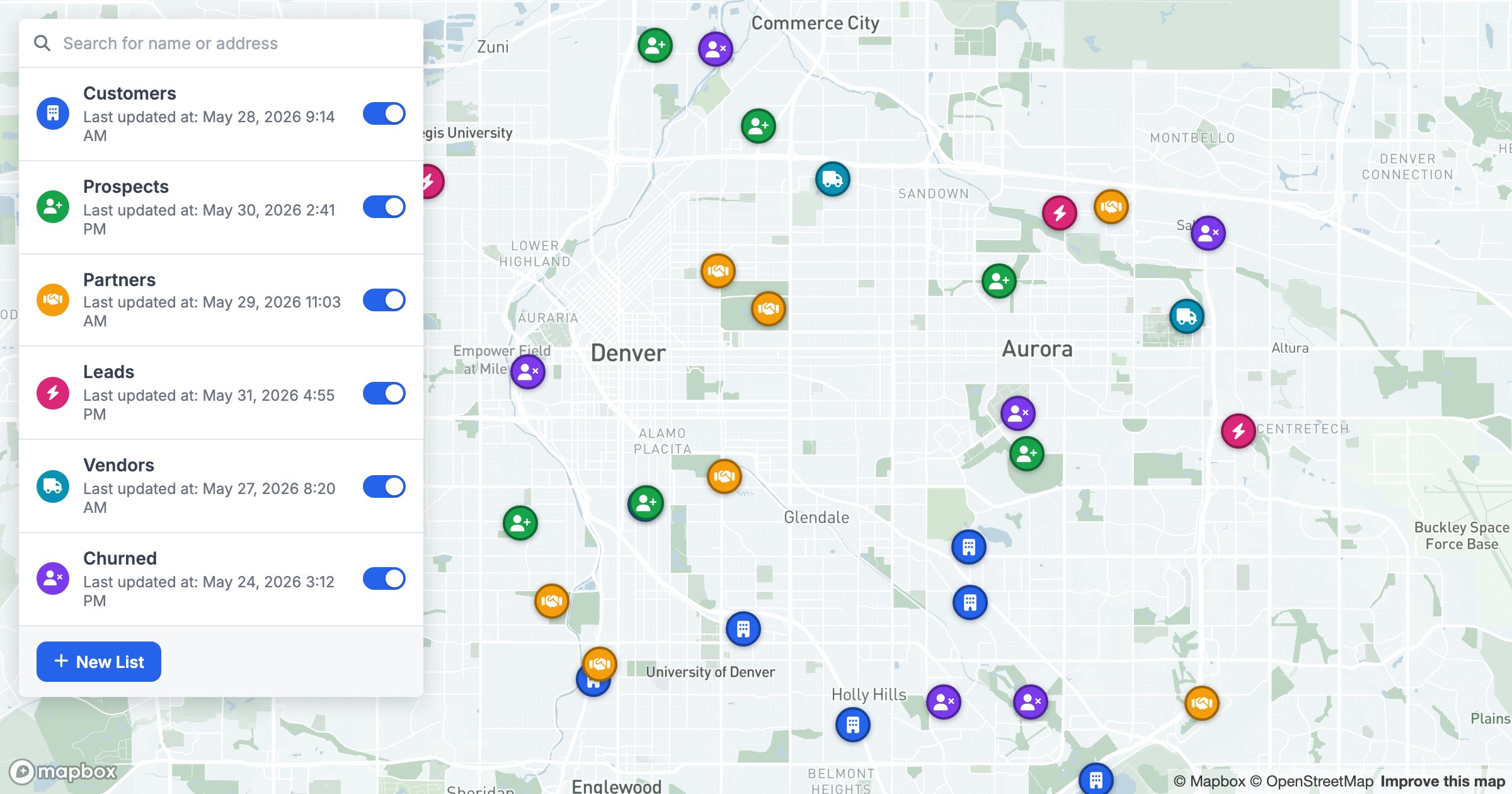
Plain markers show location. Styled markers show location and meaning. By coloring each point by a field — status, type, owner, segment — and giving each group its own icon, a single map carries a second dimension of information for free.
Reading by color and icon
In GeoMaps each category gets its own color and glyph from a clear, distinct palette, so customers, prospects and partners (or restaurants, offices and clinics) separate visually even when they sit side by side on the same block.
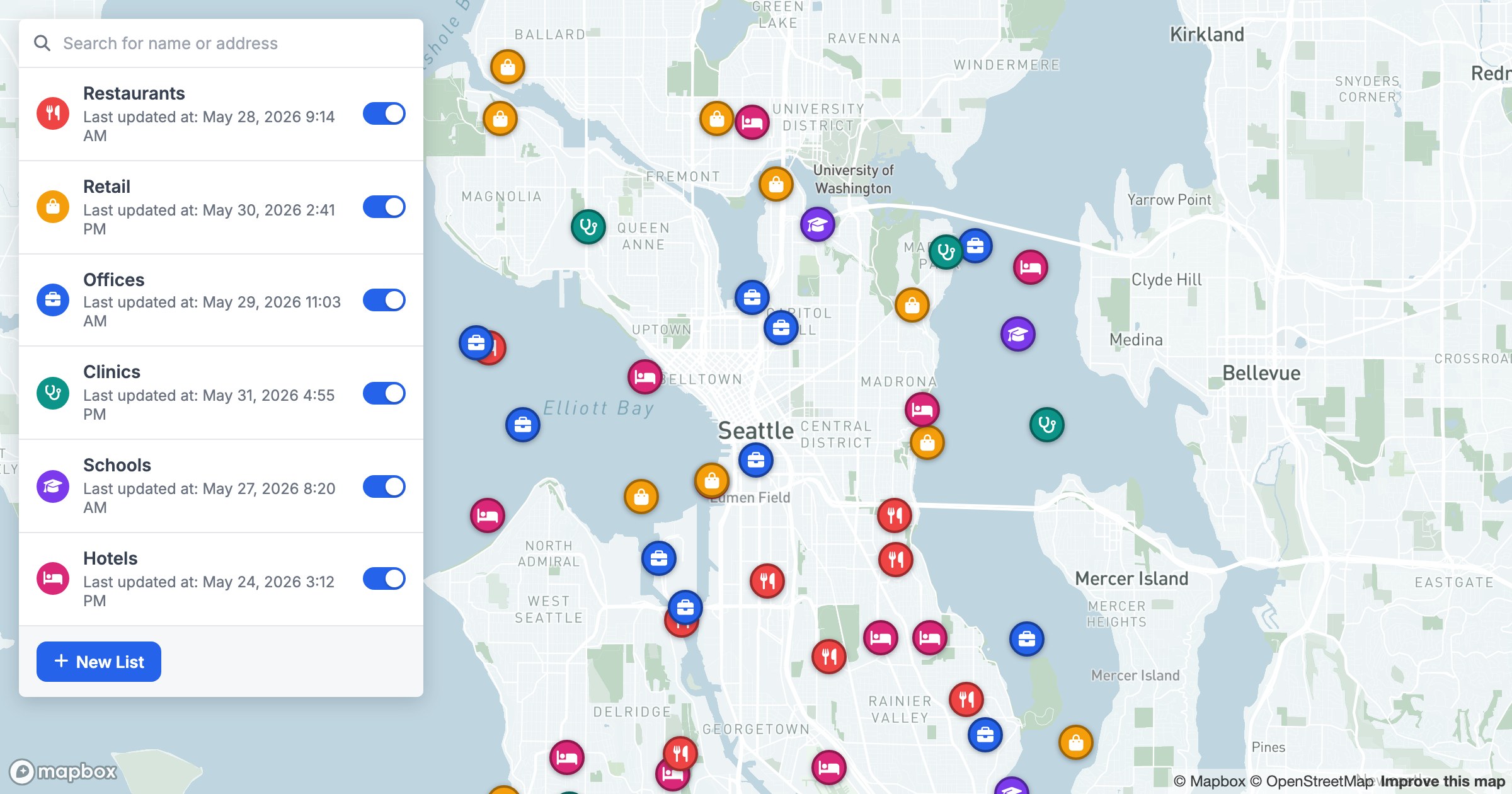
Patterns that hide in a uniform layer jump out the moment you split by category — one type clustering downtown, another spread to the edges, a third filling the gaps the first two leave. The accompanying list panel mirrors the map, so you can toggle a category on or off and watch the picture change.
It's a small change with an outsized payoff: the map goes from "here are the points" to "here's how the points differ."